
See Muse in practice.
Explore examples of models and tools working together, from the first instruction to a result.
10 examples
Examples
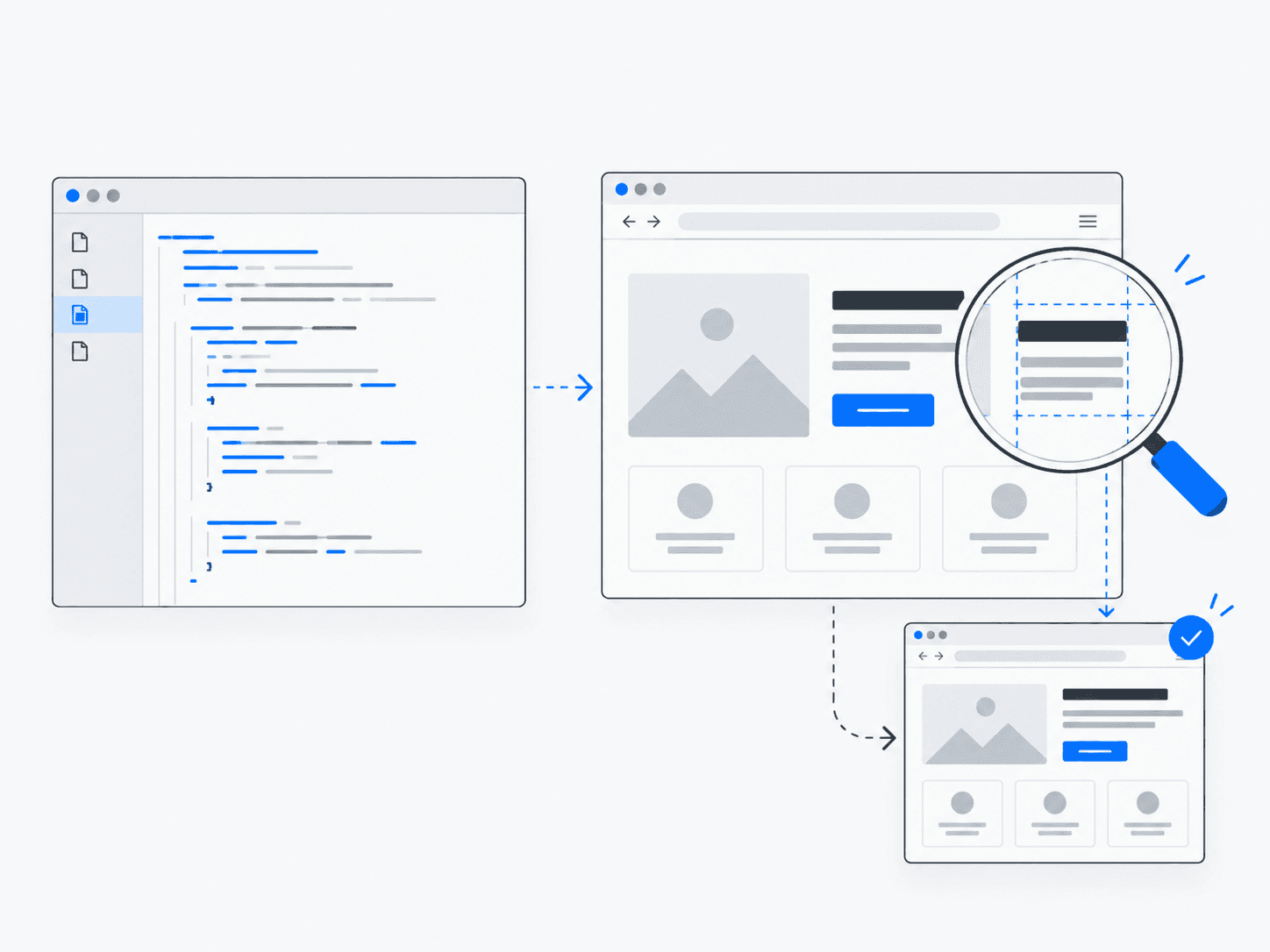
Browser-Based Website Development
An AI workflow that creates a website, opens it in a browser, inspects the result and makes corrections.
View example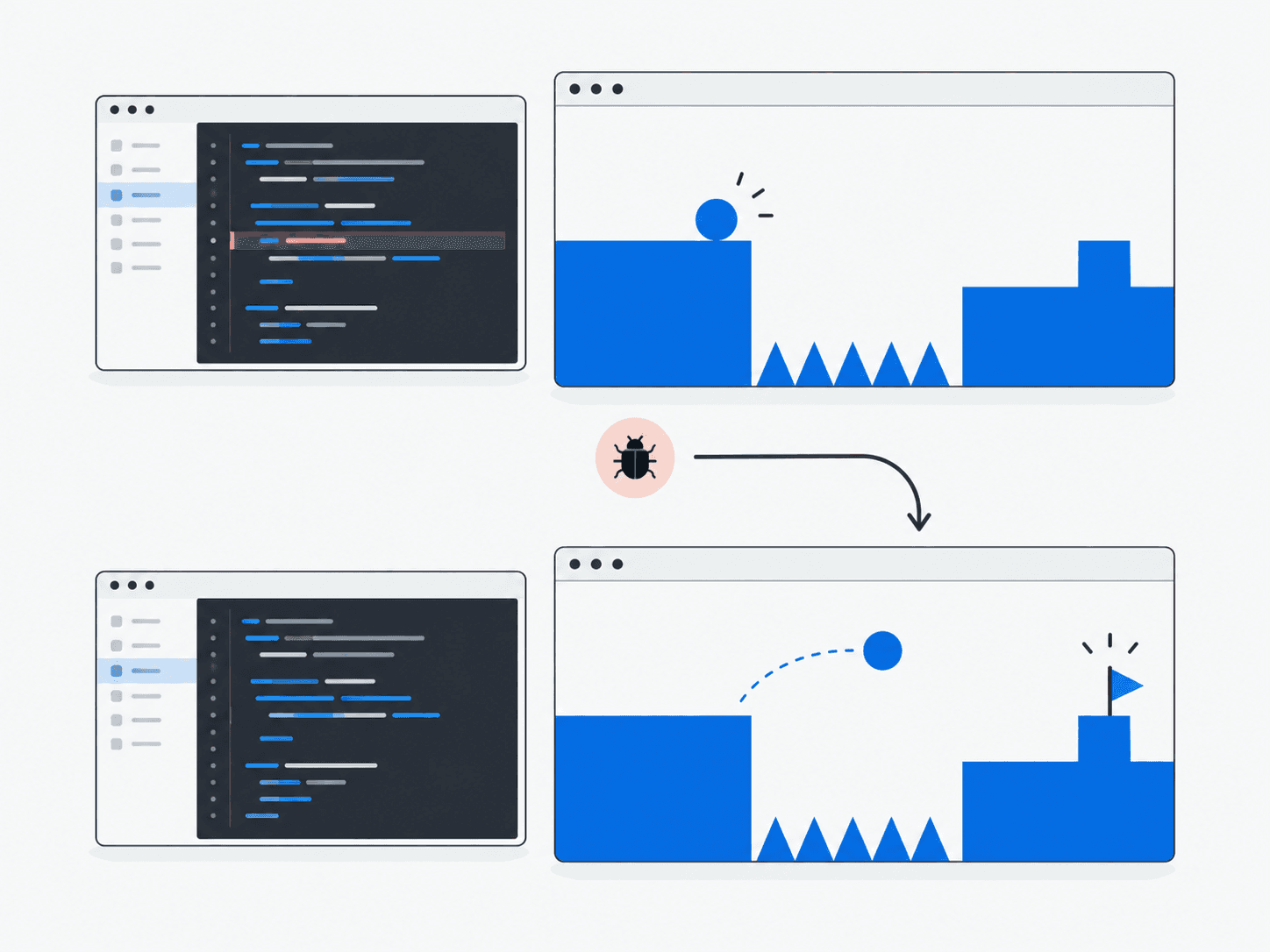
Iterative Game Development
Builds a game, runs it, playtests through a browser and improves based on observed failures.
View example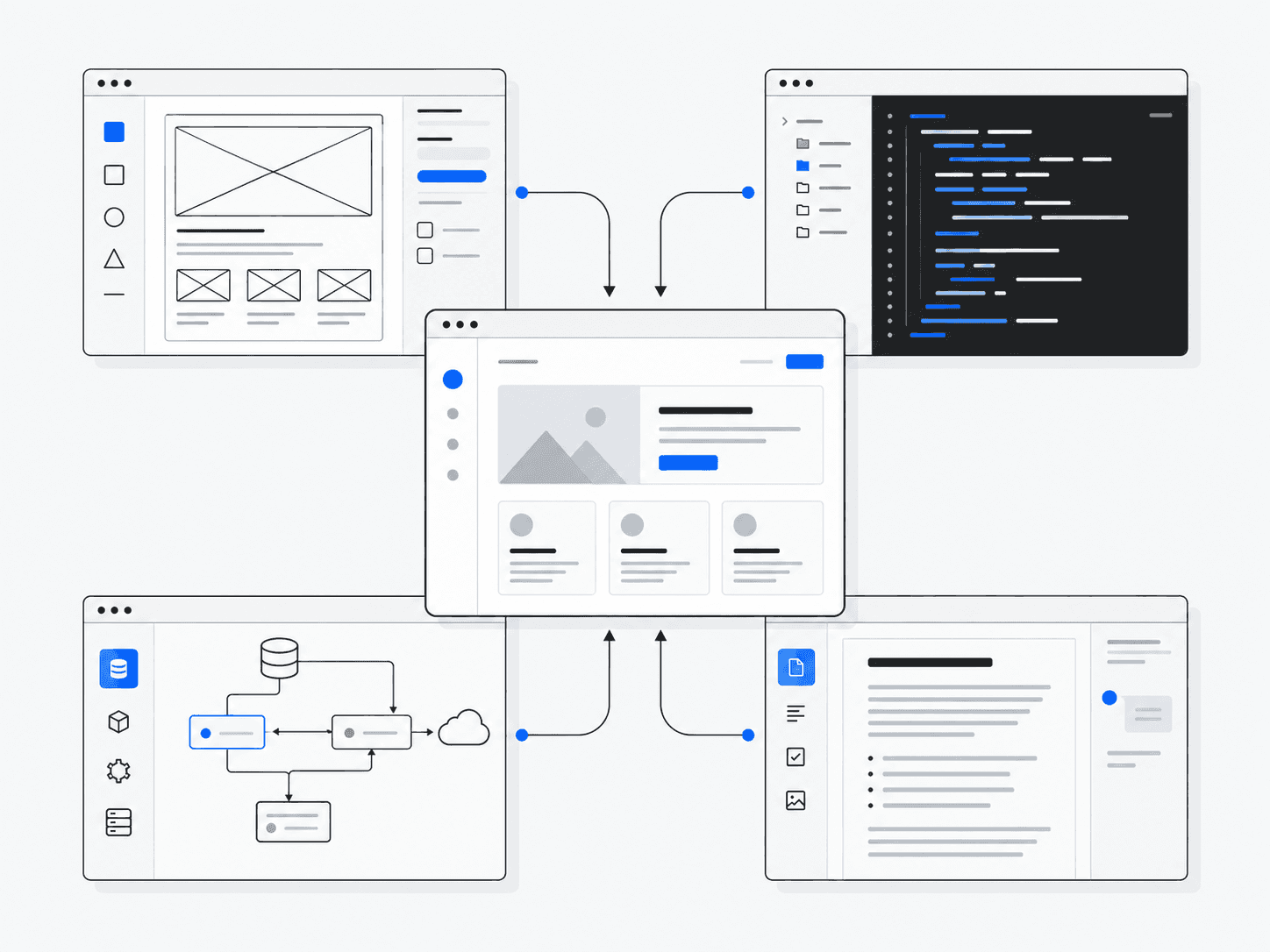
Multi-Agent Product Studio
Product, frontend, backend and writing roles coordinate on a software project.
View example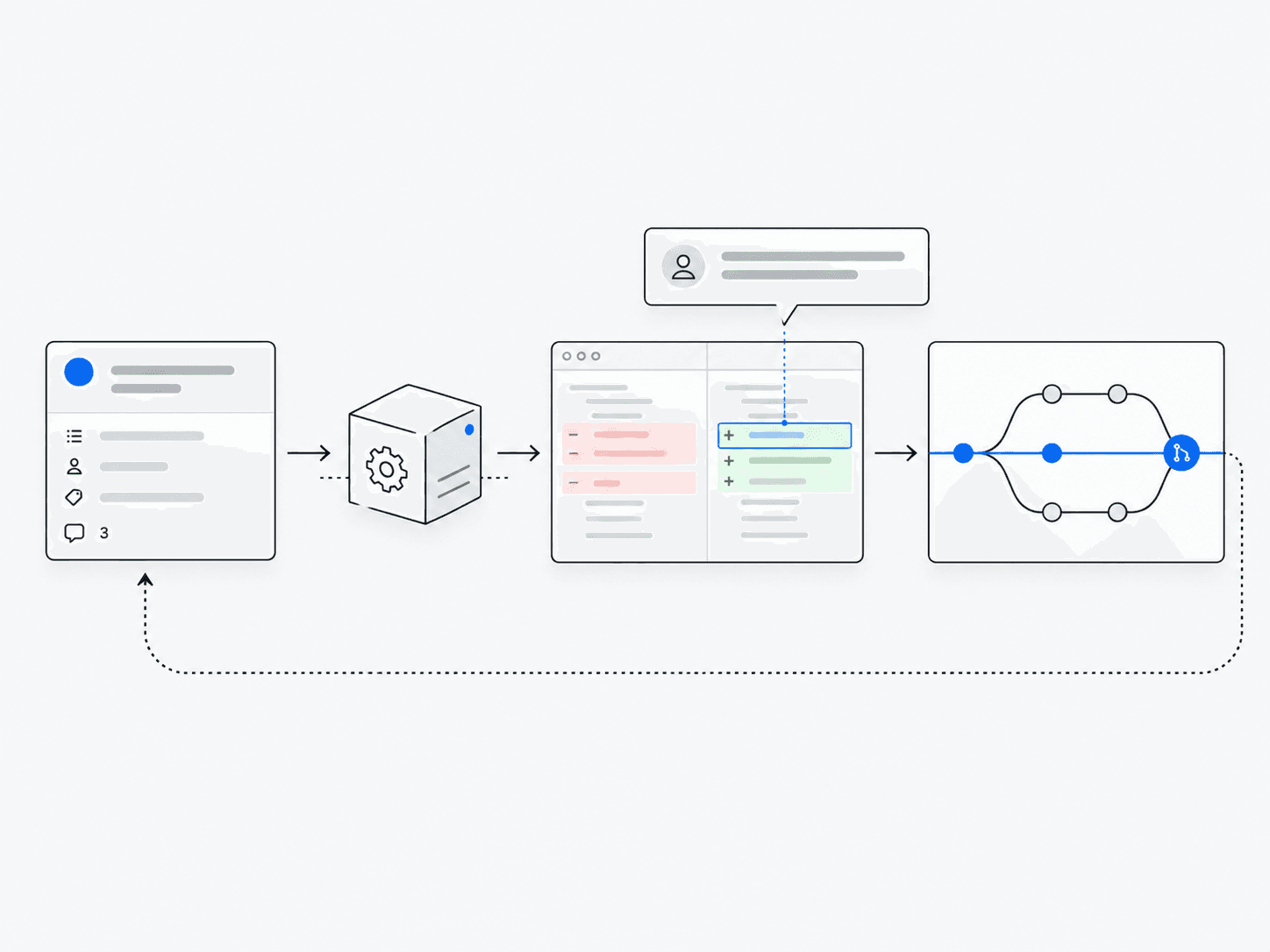
GitHub Automation
Triages issues, reviews pull requests and proposes fixes.
View example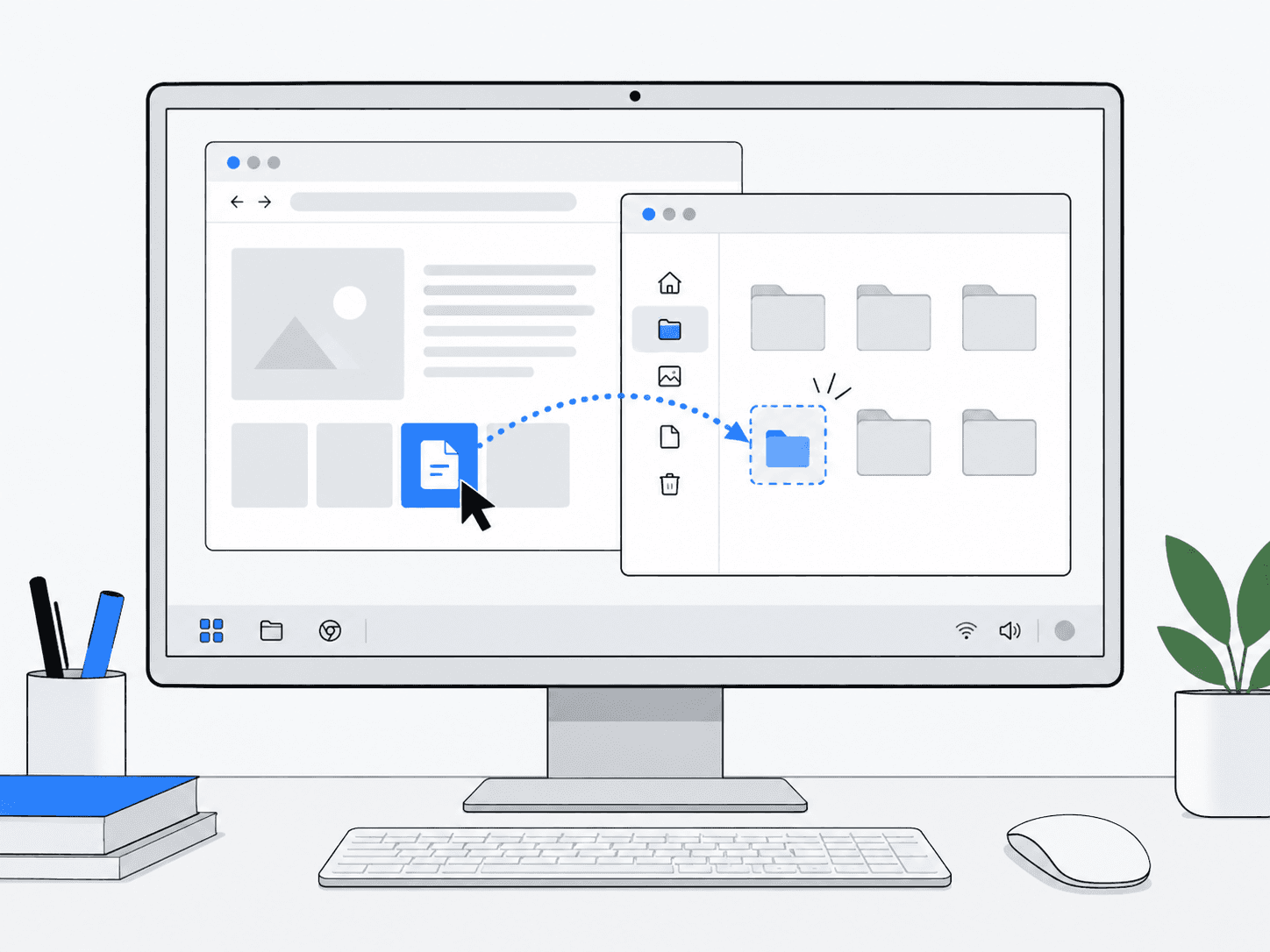
Computer Use on Linux
Operates a Linux desktop from screenshots and interface actions.
View example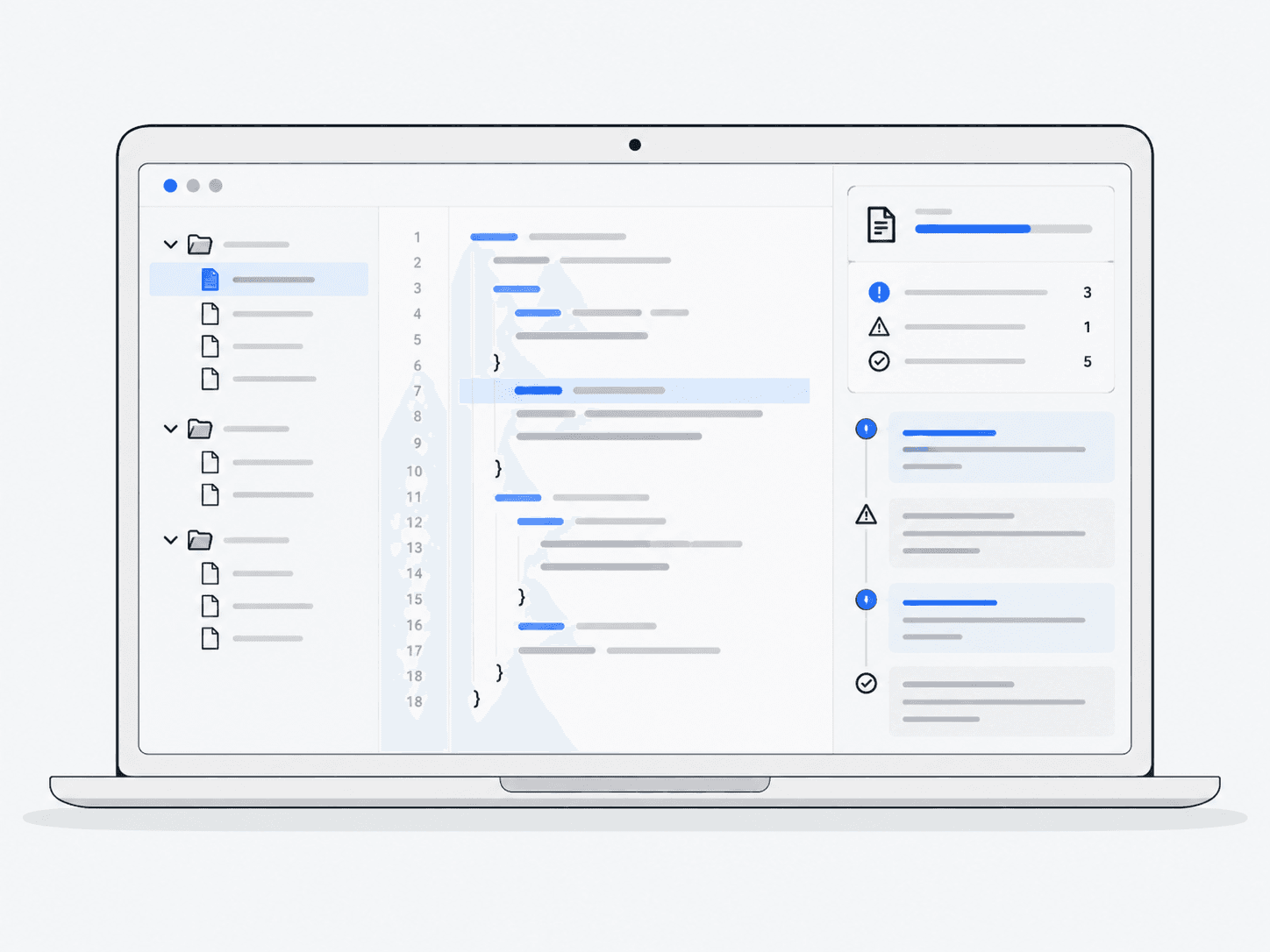
Local Code Review with Glimmer
A fully local workflow where Glimmer reads source files, reviews them and writes a report to disk.
View example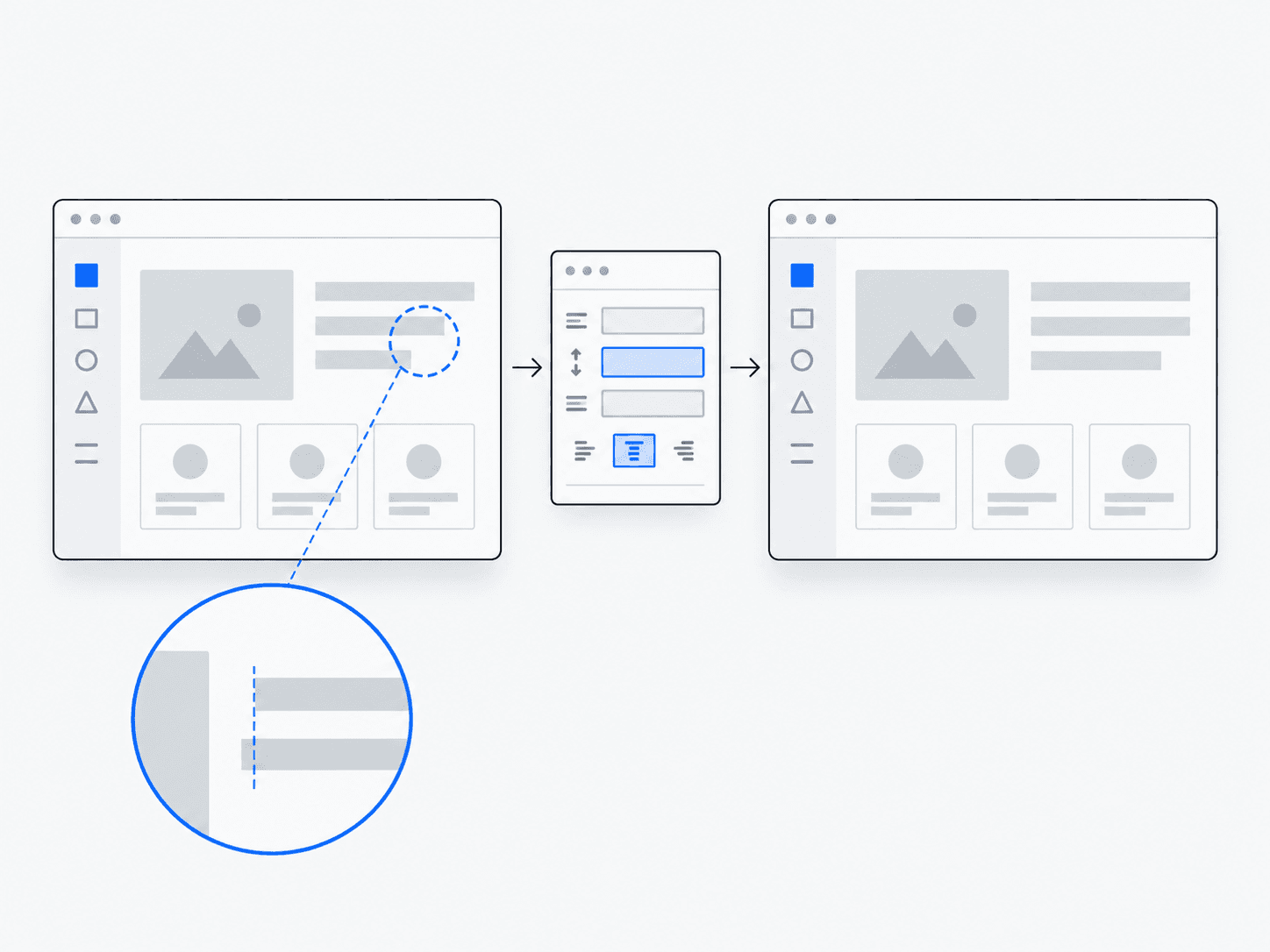
Screenshot Bug Fixing
From a UI screenshot: diagnose the problem, locate code and repair it.
View example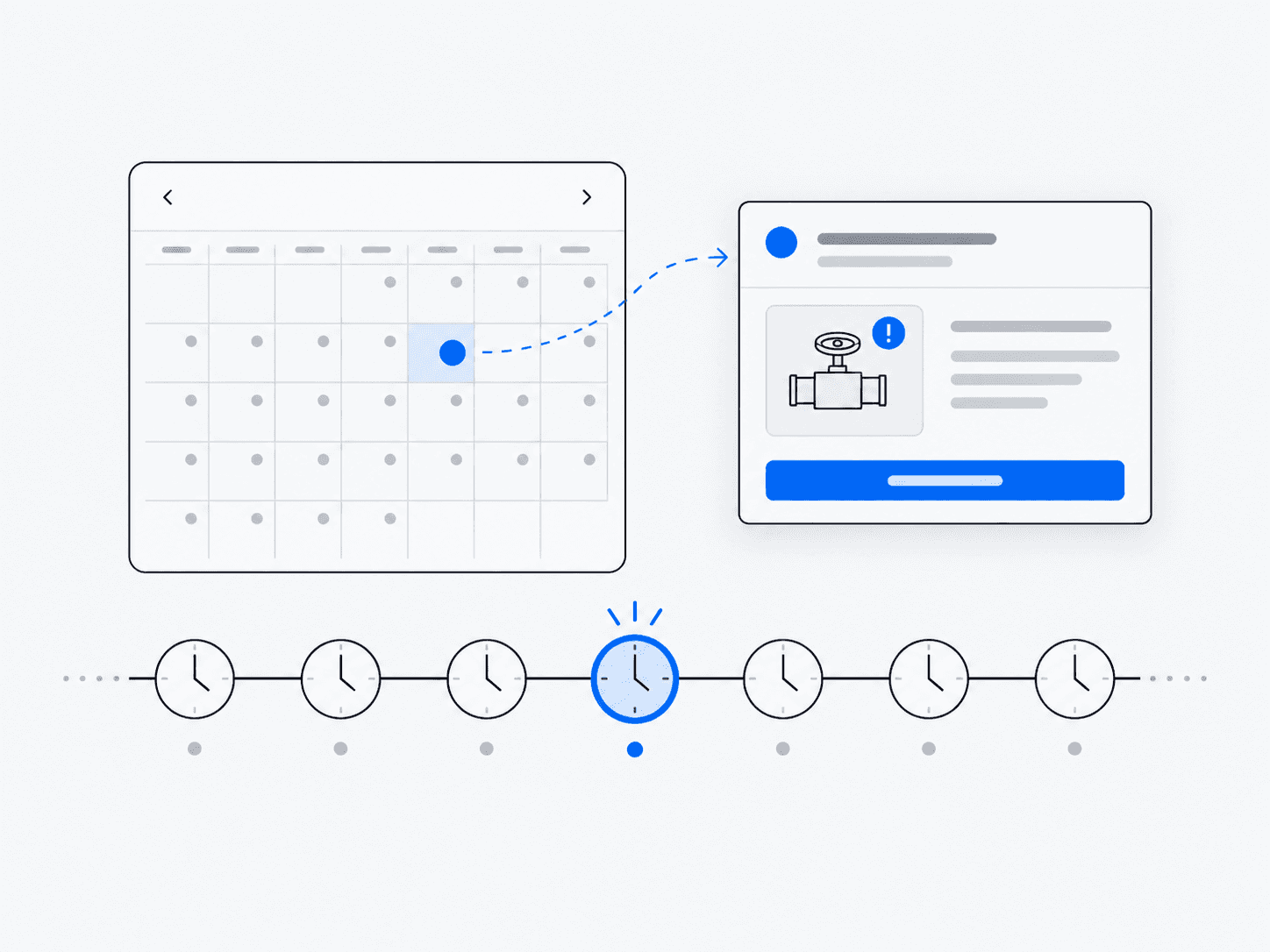
Scheduled Monitoring
Recurring checks while a Muse Code session stays running.
View example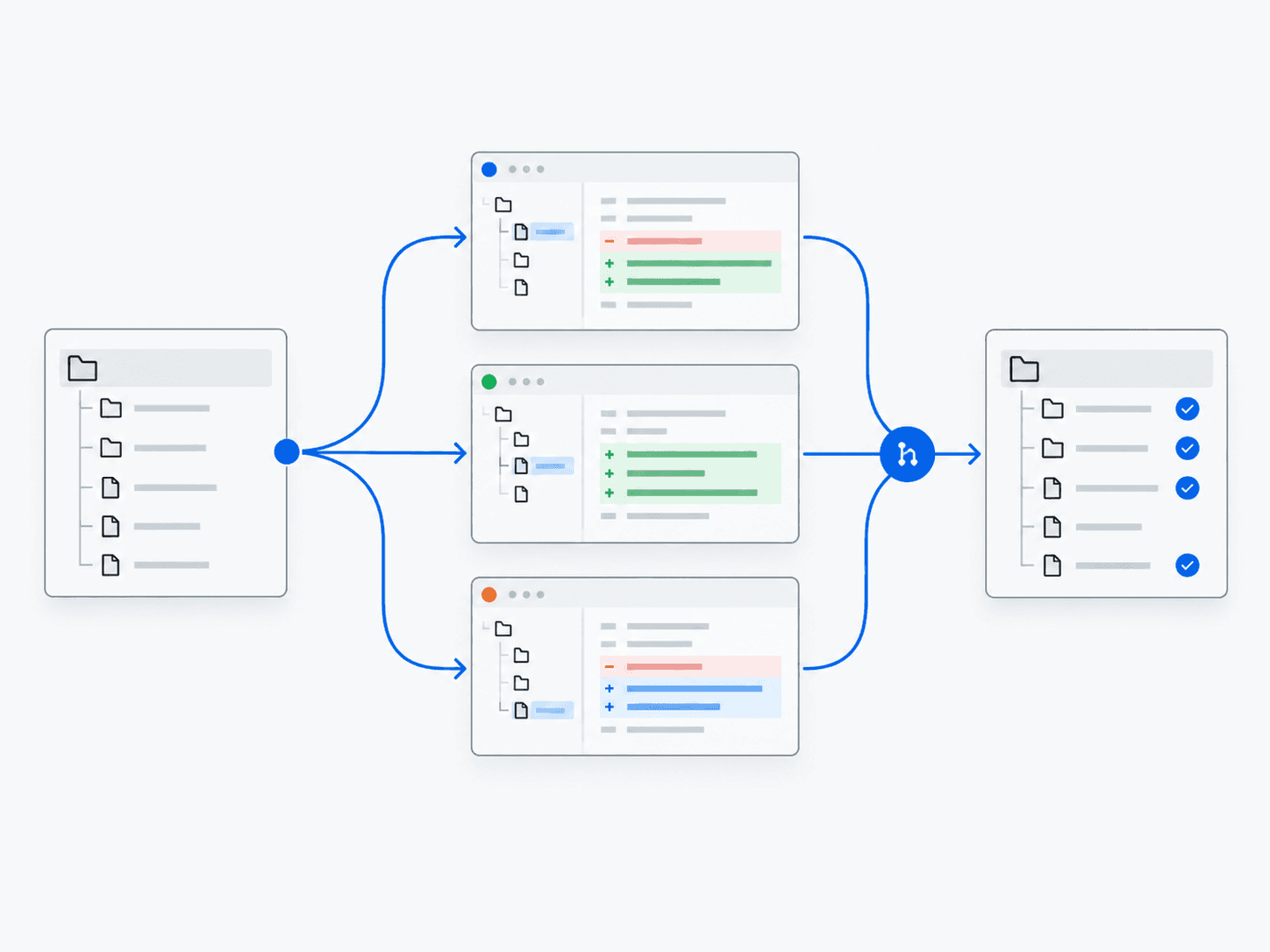
Parallel Work Across Git Worktrees
Multiple agents work in isolated Git worktrees—separate working copies of a repository—so parallel changes do not overwrite each other.
View example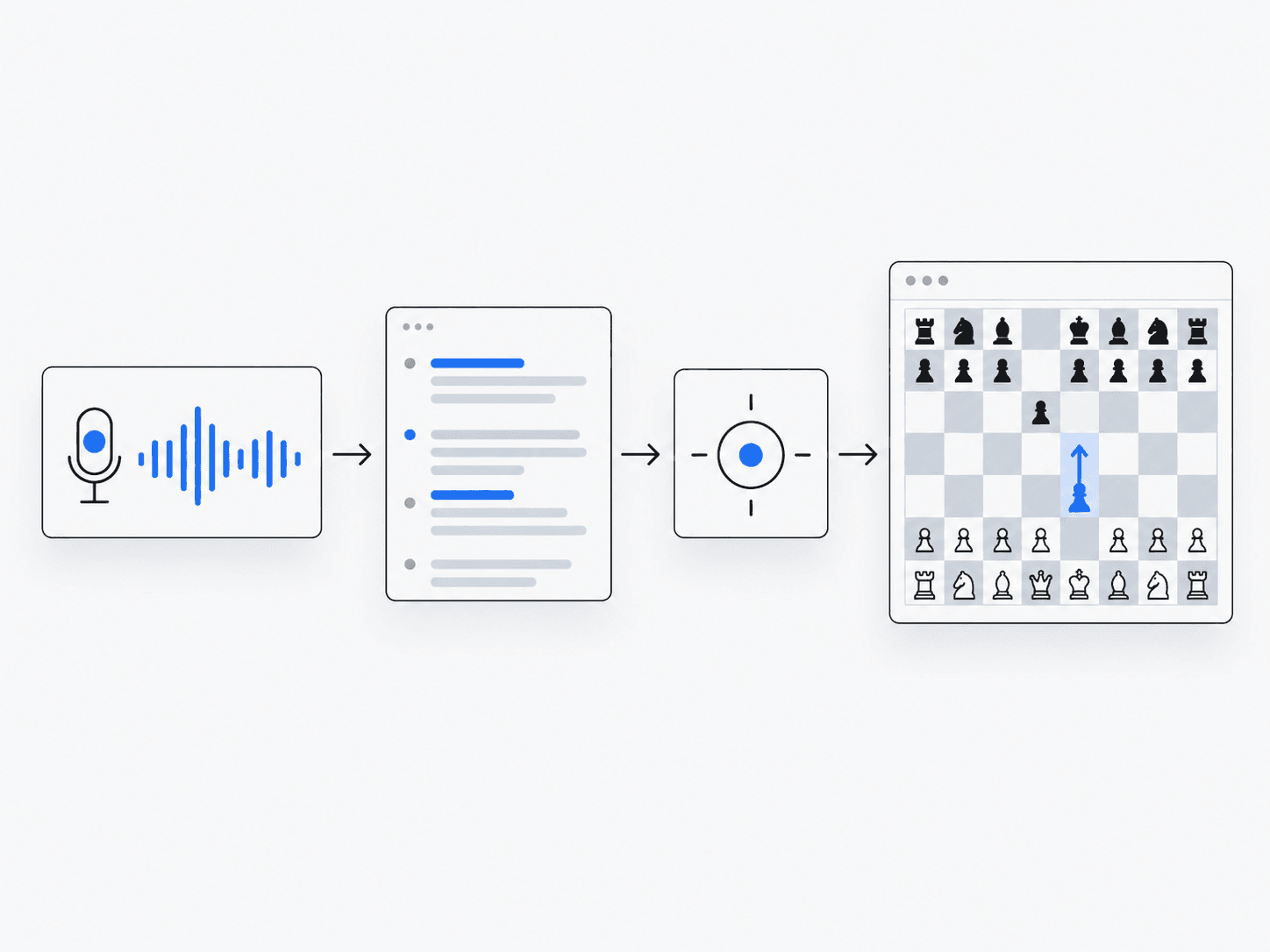
Voice-Controlled Application
Speech recognition connected to an interactive application.
View example