
Local Code Review with Glimmer
A fully local workflow where Glimmer reads source files, reviews them and writes a report to disk.
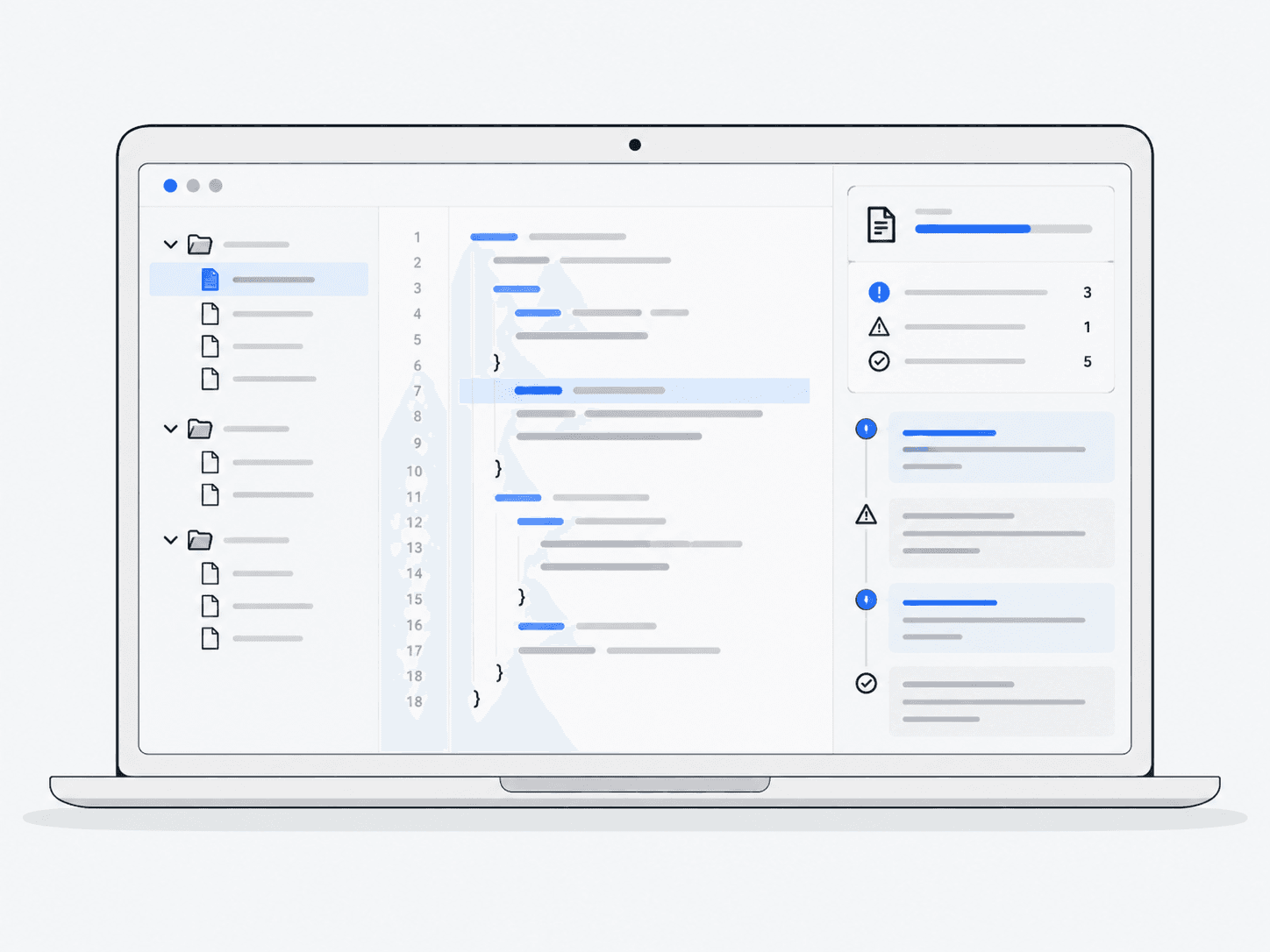
What does it do?
Runs without Meta Model API: the local model calls filesystem tools, inspects code and produces a written review.
Why it’s useful
Lets you review selected code in your own environment and keep the resulting report on your machine.
Follow the work
- 1
Reason
Identify what needs reviewing and which local files provide the necessary context.
- 2
Read files
Use permitted filesystem tools to inspect the relevant source code.
- 3
Review
Reason about potential defects and distinguish evidence from questions needing further checks.
- 4
Write report
Save findings and file references locally so a person can evaluate them.
Architecture and technologies
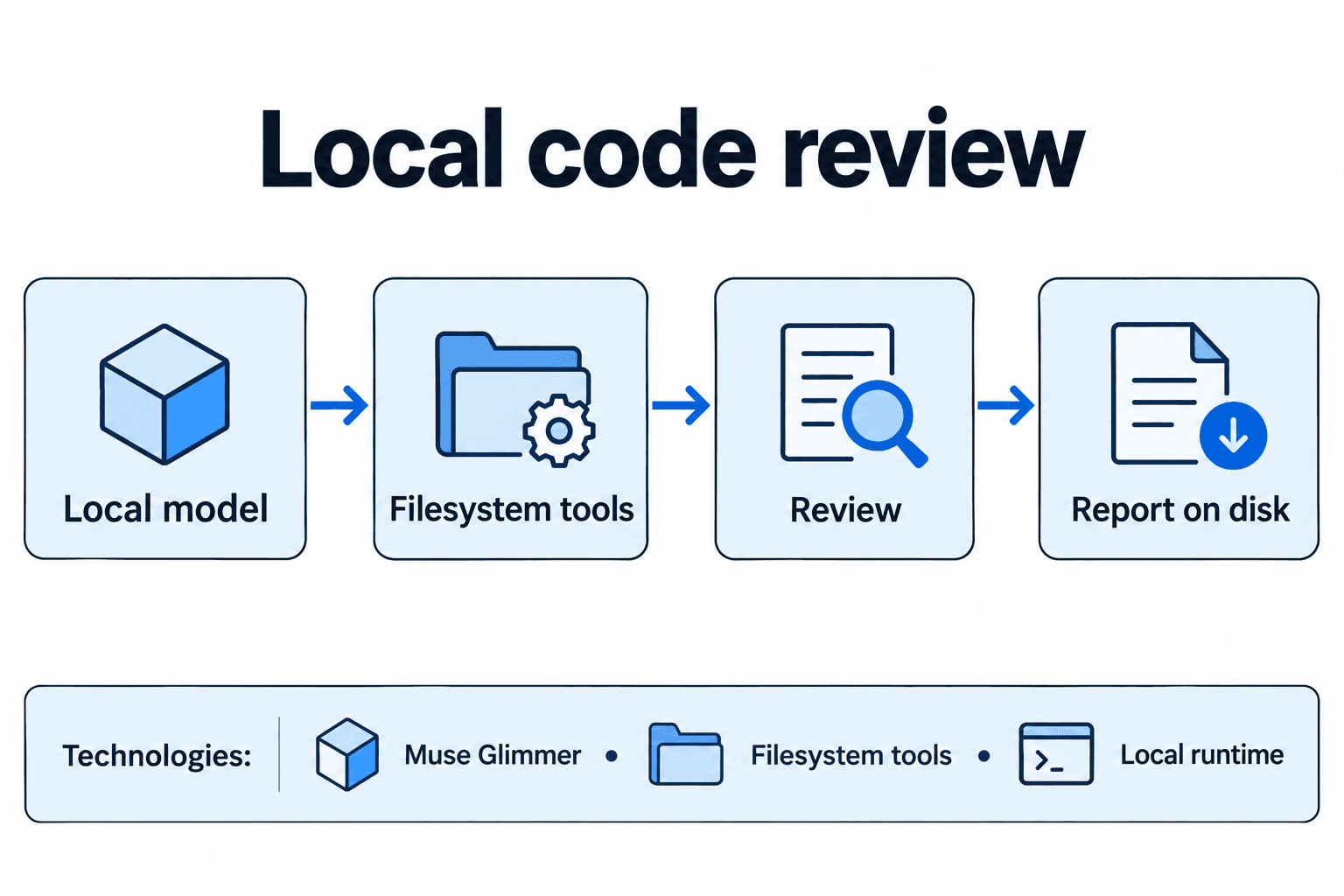
- Works with
- Muse Glimmer, Filesystem tools, Local runtime
Keep in mind
- Hardware dependent
- Weaker than Spark on difficult tasks