
How Muse works
Start with the simple view, then follow the model, tools and controls underneath it.
The simple view
Ask
Start with a goal.
Describe what you want to accomplish and provide the information Muse needs. Set boundaries before work begins.
Help me improve this website and check that it works.
Improve this website.
Understand
Make sense of the task.
The model considers the goal, relevant context and constraints. A larger task can become several smaller pieces of work.
Read the files, understand the layout, and identify what needs to change.
Work
Use permitted tools.
The surrounding software gives the model access to tools. Each action is limited by available capabilities and configured permissions.
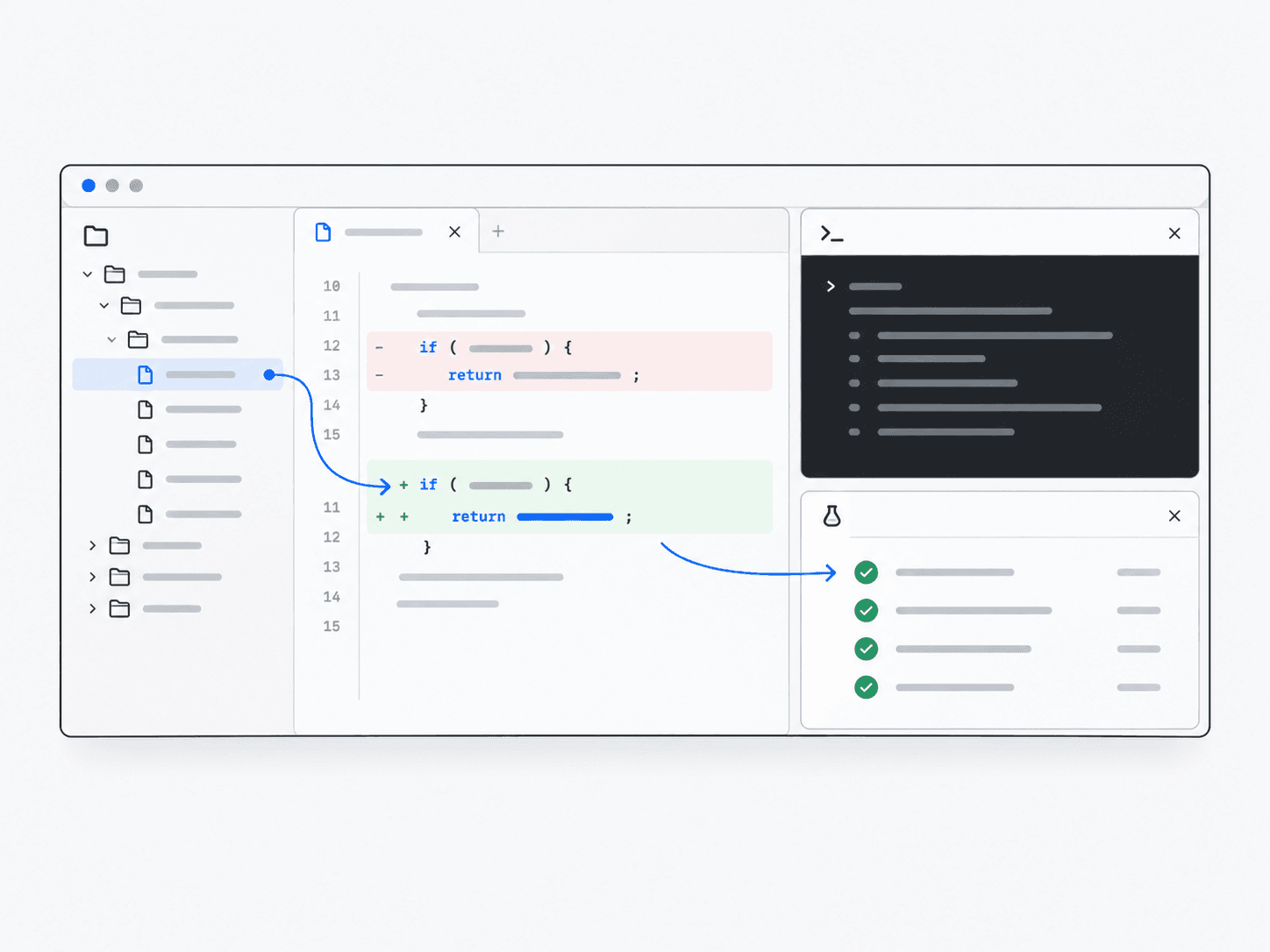
Change the code, then open the result in a browser.
Check
Review the outcome.
Inspect the result, run relevant checks, and correct problems. A person still decides whether the output meets the goal.
Review the page, the changes and the checks before accepting the result.
What actually happens
A model does not operate software on its own. The application supplies context, executes tools and controls access to the work environment.
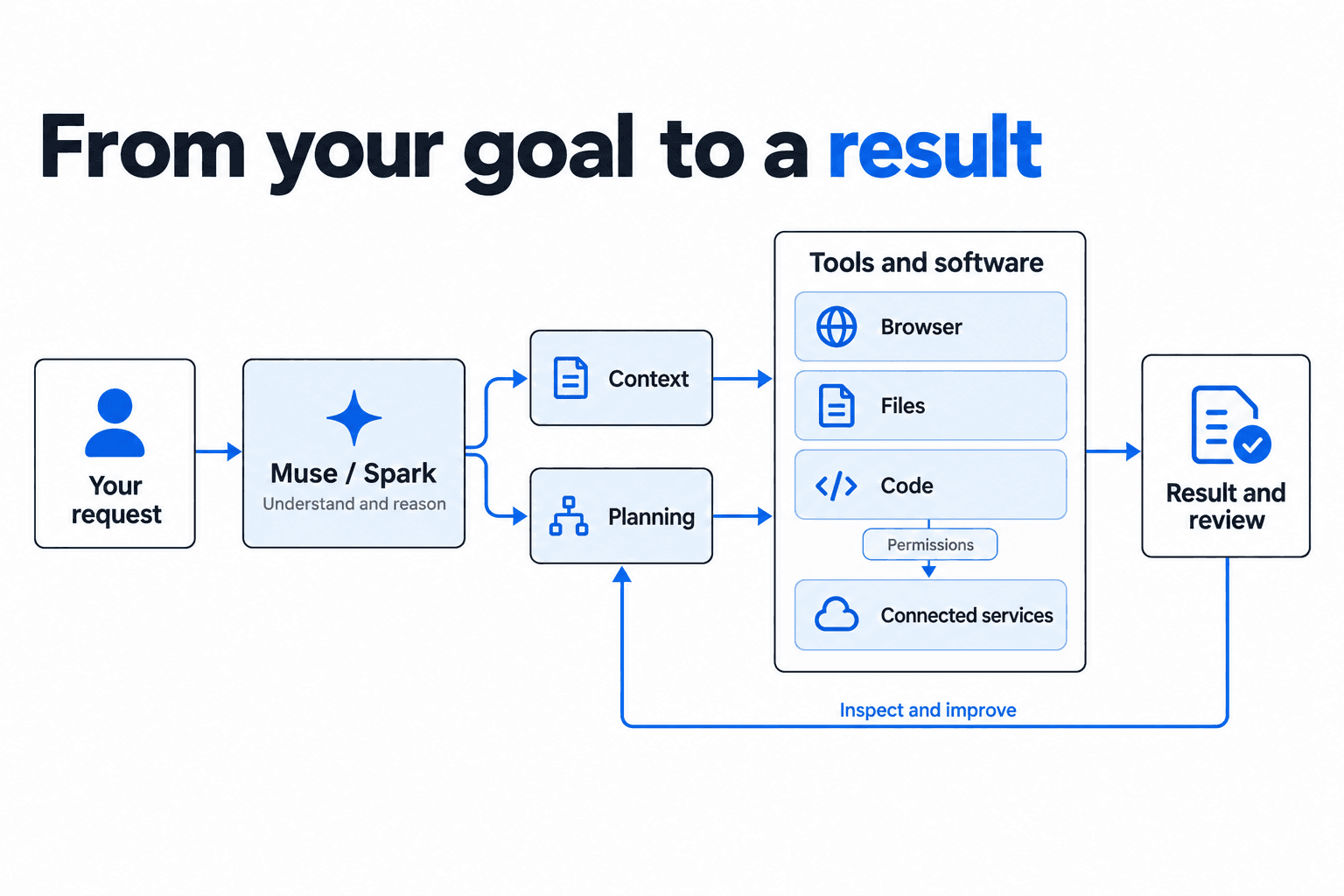
Separate responsibilities, working together.
Advanced architecture
Context and memory
The application decides what task history and saved context are available across steps and sessions.
Other agents
Some workflows delegate bounded tasks to separate workers, then review and combine their results.
Credentials
A credential service can authorize access without exposing the underlying secret to the model.
Approvals
Sensitive actions can pause at a permission check before software executes them.
Network restrictions
Runtime and workspace configuration determine which external systems tools may contact.
Untrusted content
Webpages and files can contain hostile instructions. Controls need to distinguish source content from the user’s authority.
See the system in a development workflow.
Muse Code puts the model alongside a repository and development tools, with checks and review around changes.
Explore Muse Code