Skip to content
Muse Atlas
Explore Muse

Muse Code

A development workspace that can inspect, change and check.
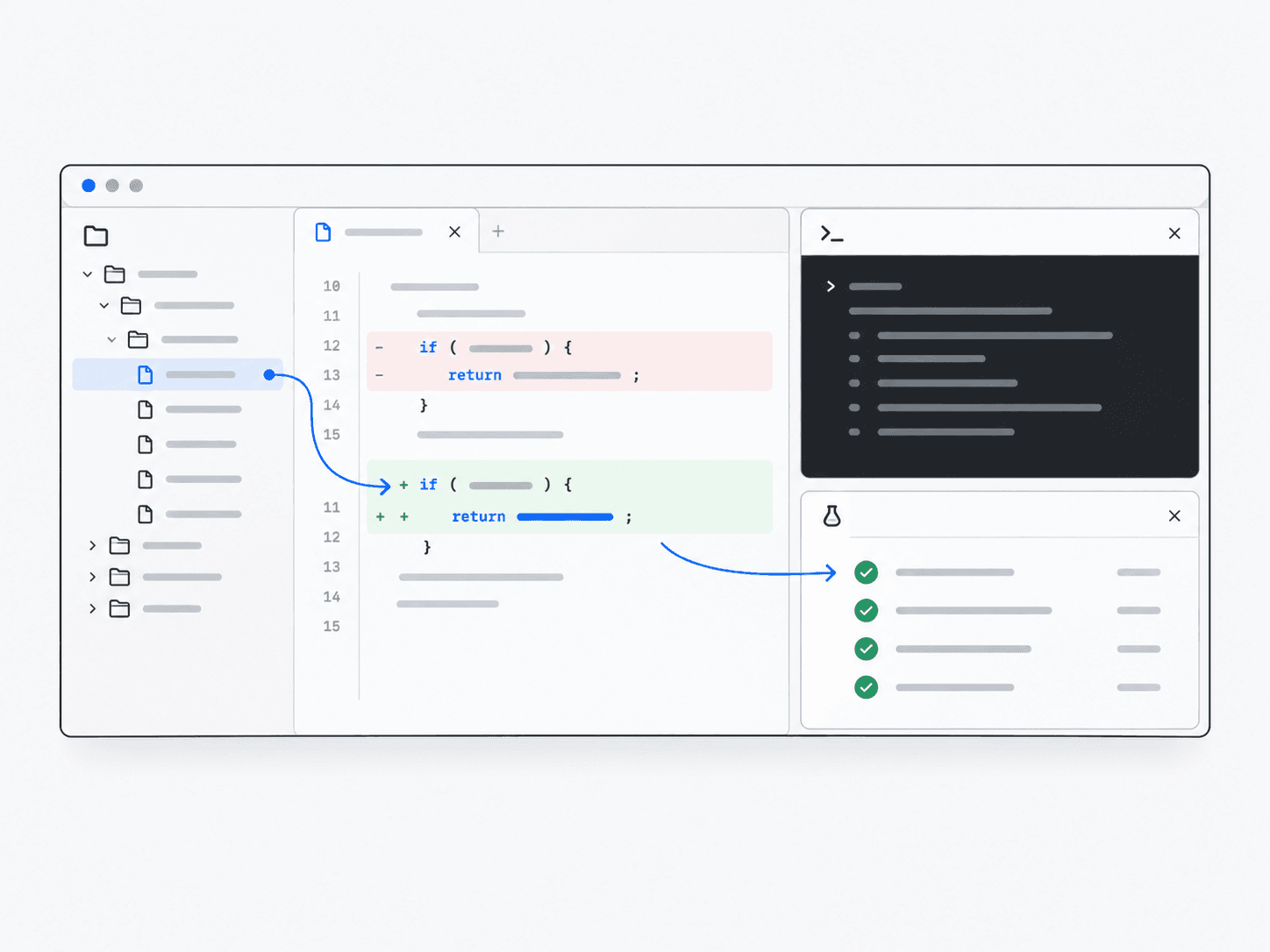
Concept illustration of Muse Code

Meet Code.

Muse Code is Meta’s coding product for a terminal—a text-based command interface—built around Muse Spark. It can plan changes, edit repositories, run commands and validate results, with approvals and an OS sandbox enabled by default.

What Code is good at

Read the repository

Find the relevant code before making a change.

Make focused edits

Work within existing project structure and conventions.

Run development tools

Use permitted commands to test and inspect the result.

Prepare work for review

Explain the change and checks so a person can evaluate it.

Make a small fix with a clear review trail.

Inspect an optional-field bug, change its normalization, and review the checks.

Illustrative scenario

1Repository

checkout / address.ts

checkout/
  address.ts
  submit-order.ts
  checkout.test.ts

Locate the address form and the validation logic it calls.

2Inspect

A reproducible failure

Input: apartment = ""
Expected: address accepted
Observed: address rejected

An empty apartment field is rejected even though it is optional.

3Change

A focused correction

const apartment = input.apartment.trim();
const address = {
  ...requiredFields,
  apartment: apartment || undefined,
};

Treat the optional field as absent when it contains no text.

4Test

Check both paths

✓ accepts an apartment number
✓ accepts an empty optional field
✓ still rejects missing required fields

Check an address with an apartment, and one without it.

5Review

Ready for a person to review

Changed: address normalization
Checked: required + optional fields
Next: human review

Review the diff, the tests and the browser behavior before merging.

Illustrative walkthrough, not a live repository or test run.

Where it fits in Muse

Code is the software around the model: repository access, commands and a development workflow. Spark supplies the reasoning; you review the resulting changes.
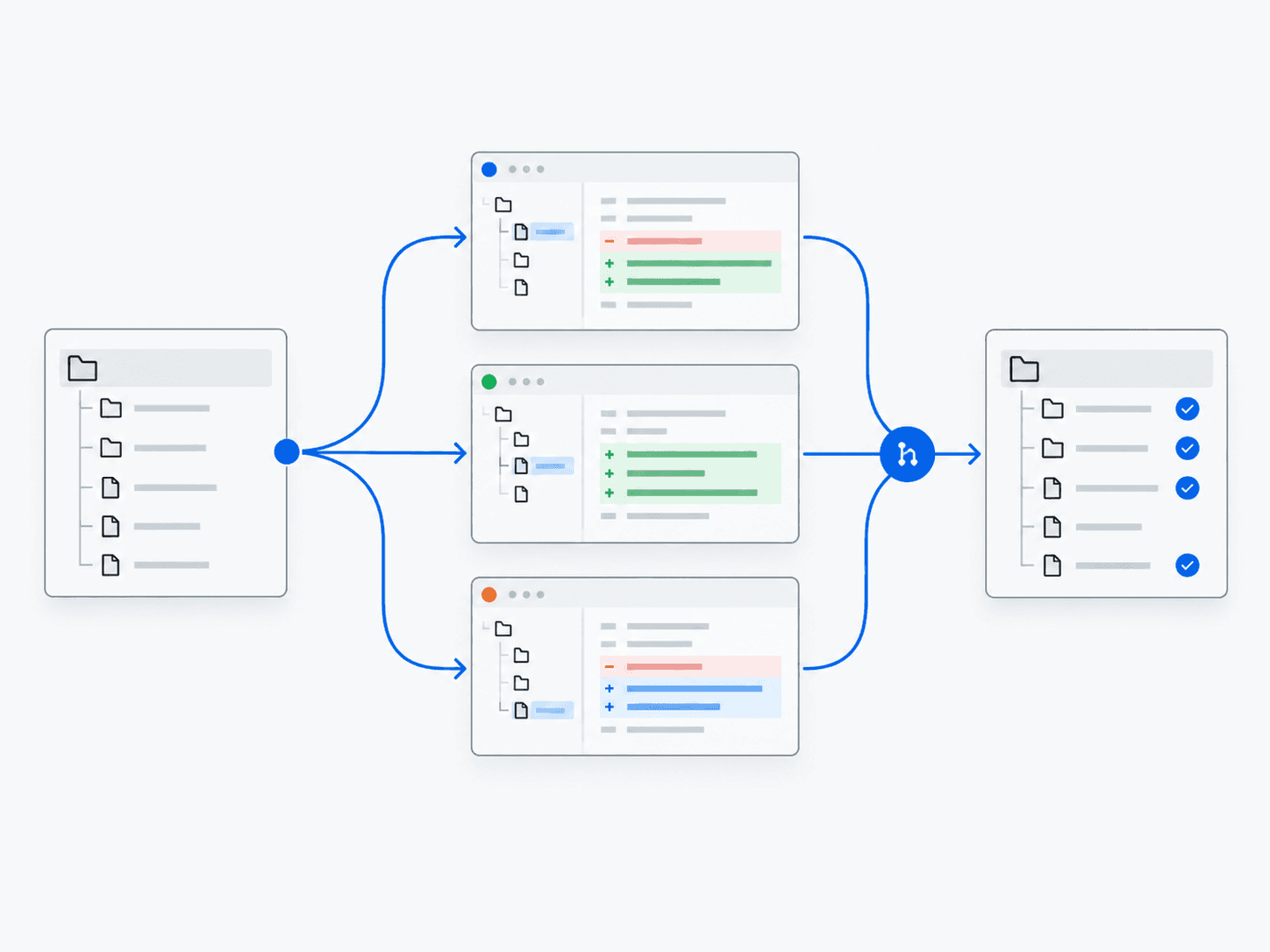
Muse Code examples

Technical architecture

Muse Spark provides the reasoning and coding capabilities. Muse Code supplies repository context, command execution, approvals and the surrounding development workflow.
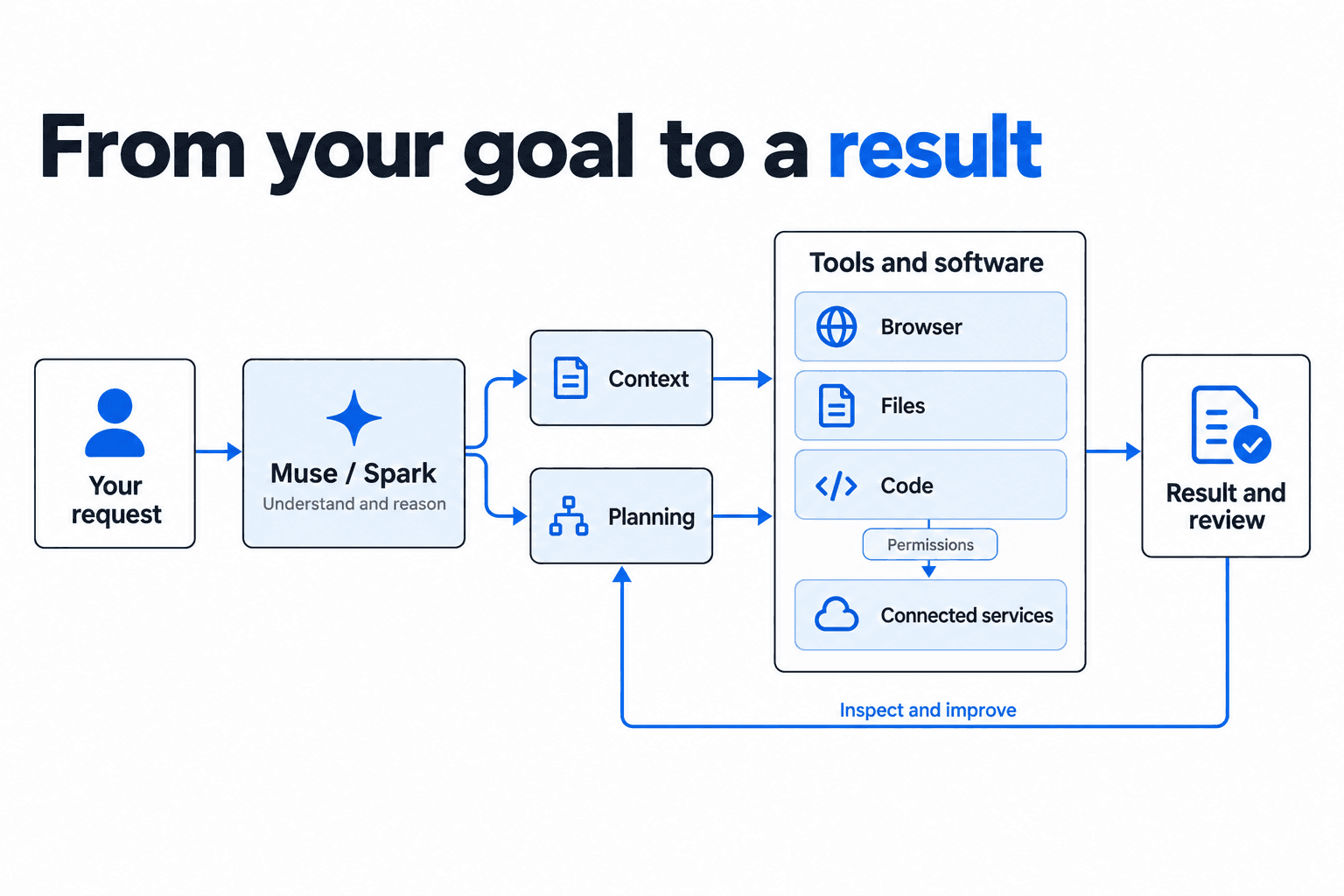
Your request passes to Muse / Spark for reasoning, context and planning, then browser, file and code tools, and result and review. Connected services require permissions. Review feeds back into planning.
Conceptual flow. The model proposes work; software executes tools and enforces configured controls. Steps may repeat.

Specifications and limitations

Interface
Terminal and CI development workflows
Code pricing — checked September 29, 2026
CLI subscriptions: Everyday $5/month, High $15/month, Power $50/month, subject to usage limits and regional availability. Alternatively, pay per token. Additional API keys remain pay-as-you-go.
Model
Muse Spark
Work context
Repository, files and commands
Controls
Approvals and OS sandbox

Keep in mind

  • Review generated changes and commands before consequential actions.
  • A successful tool run or test suite is not a guarantee of correctness.
  • Access to files and commands depends on the workspace configuration.
  • Advanced workflows depend on the installed build and rollout. Windows lacks voice input and session messaging.
  • Spark 1.3 is available, but the Code getting-started page still names 1.2 as its default. Check your selected model rather than assuming every installation uses the same version.