
Parallel Work Across Git Worktrees
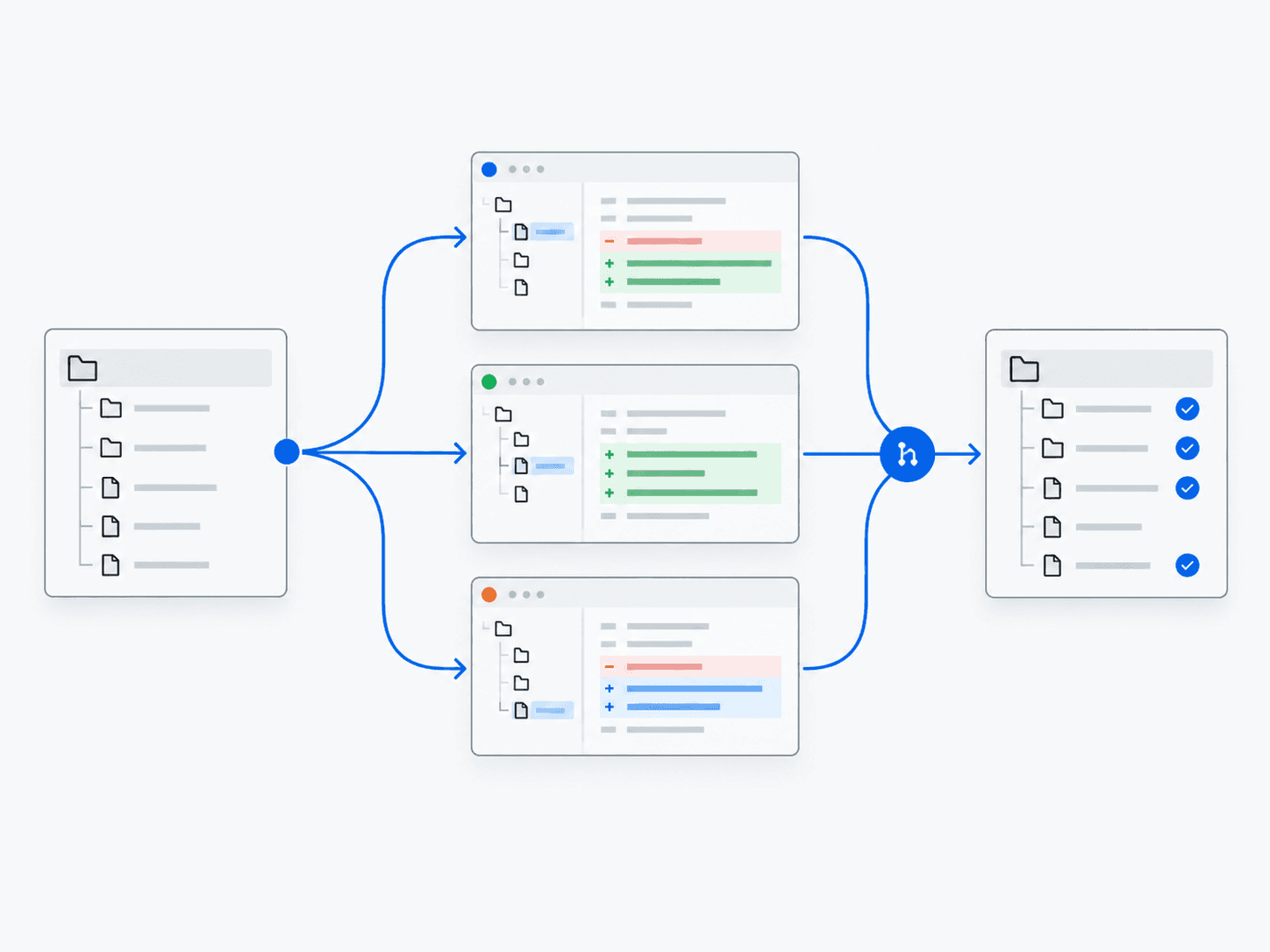
Multiple agents work in isolated Git worktrees—separate working copies of a repository—so parallel changes do not overwrite each other.
What does it do?
Splits tasks, assigns workers to separate worktrees, then merges and validates results.
Why it’s useful
A practical pattern Meta emphasizes for Muse Code multi-agent work.
Example in practice
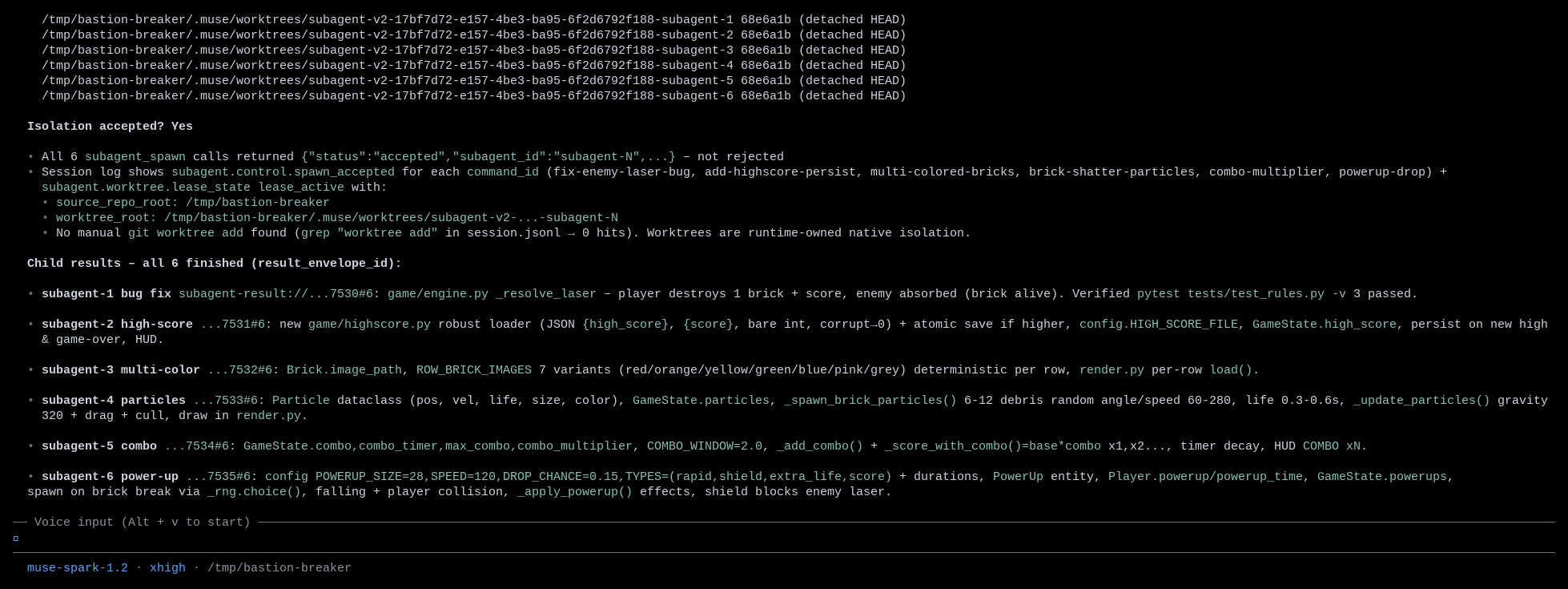
Follow the work
- 1
Split
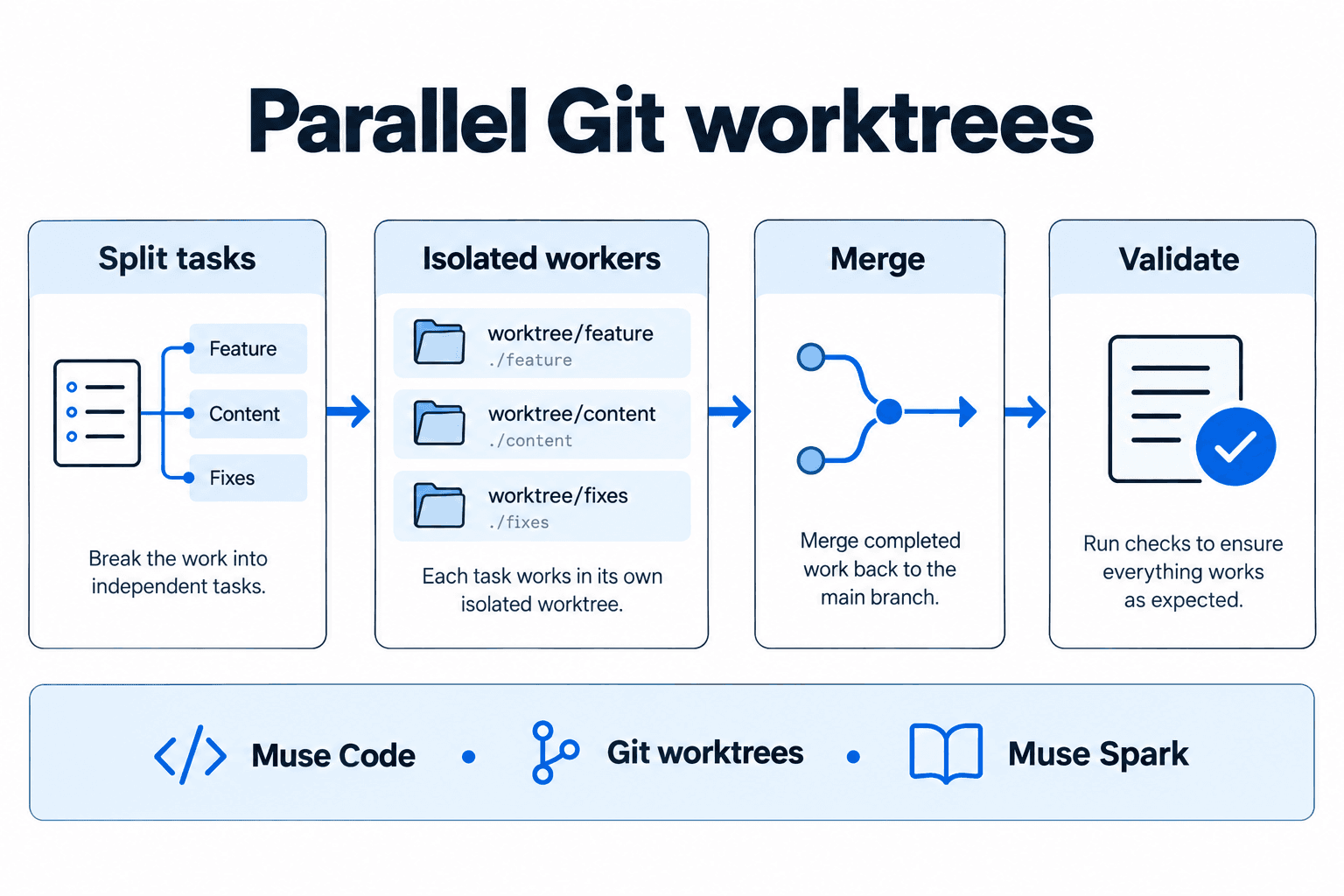
Separate the goal into tasks with clear boundaries and shared assumptions.
- 2
Spawn workers
Assign each task to a worker with a defined scope and expected output.
- 3
Isolate worktrees
Give workers separate copies of the repository so their edits do not overwrite one another.
- 4
Merge
Review and combine the changes, resolving conflicts and incompatible assumptions.
- 5
Validate
Check the combined result; changes that pass separately may still fail together.
Architecture and technologies
- Works with
- Muse Code, Git worktrees, Muse Spark
Keep in mind
- Merges still need judgment
- Parallel workers can compete for the same computing resources