
Scheduled Monitoring
Recurring checks while a Muse Code session stays running.
What does it do?
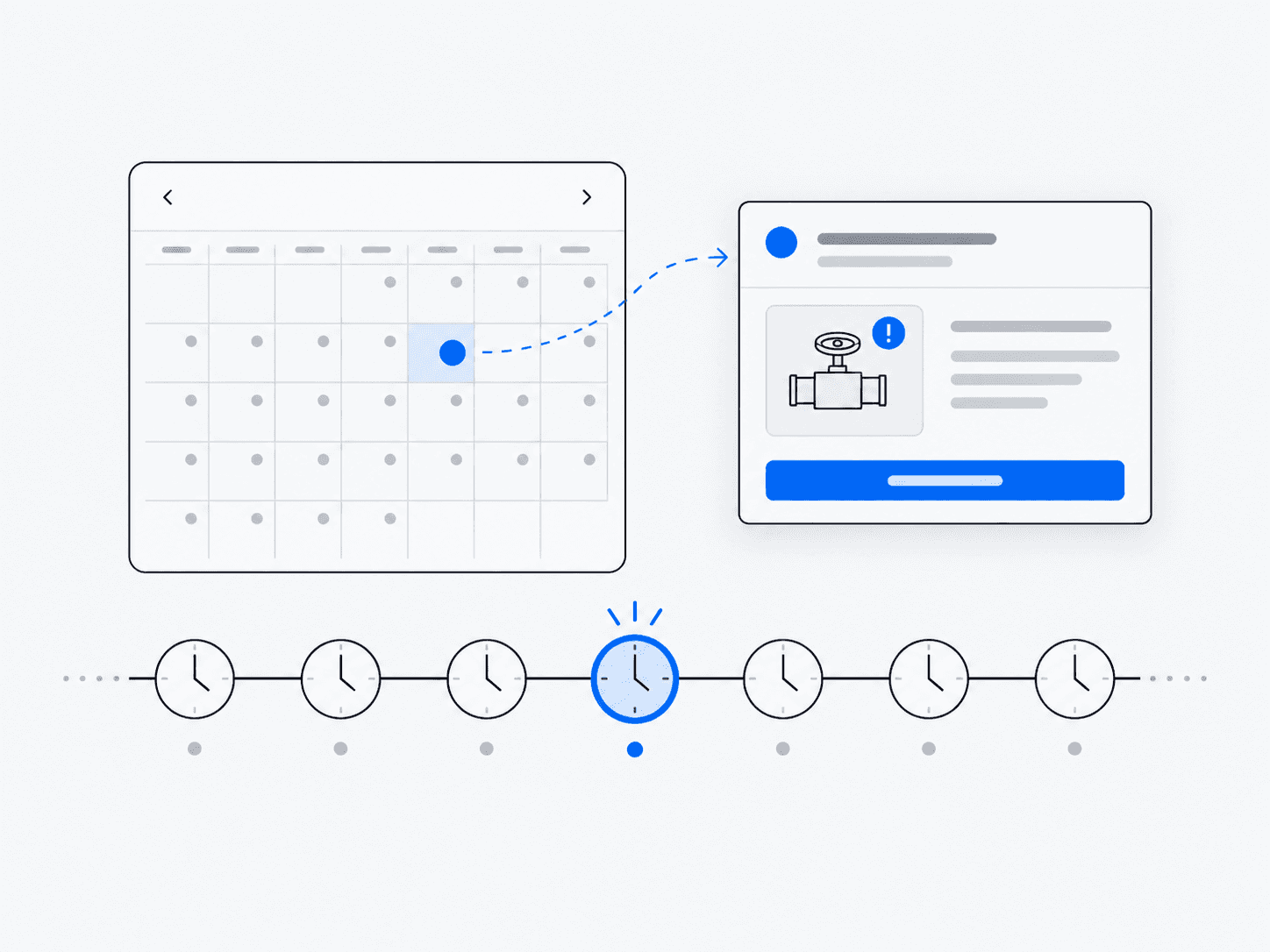
Wakes on a schedule, inspects a target, acts or alerts, then waits for the next run.
Why it’s useful
Saves repeated manual checks and brings changes to your attention when they matter.
Example in practice
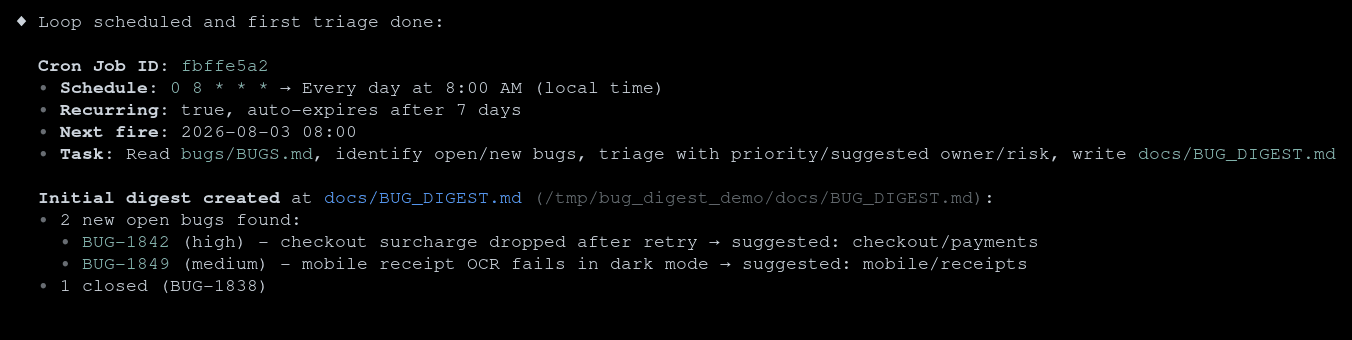
Follow the work
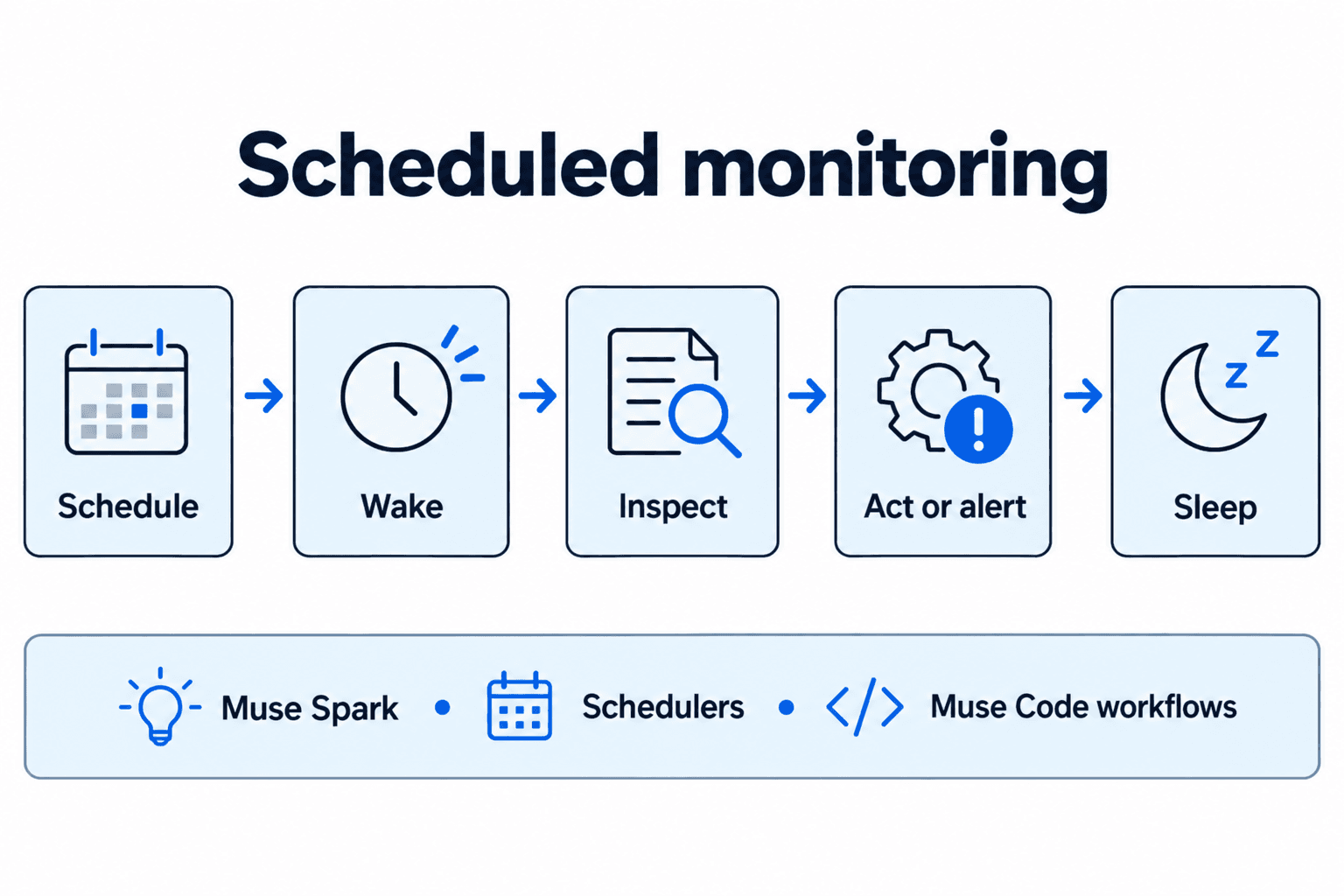
- 1
Schedule
Set the interval, target and condition that should trigger a notification or action.
- 2
Wake
Start the task when the scheduler reaches the next scheduled run.
- 3
Inspect
Read the target and compare the current state with the condition or previous observation.
- 4
Act or alert
Notify the user or perform only the action that was authorized for this condition.
- 5
Sleep
Wait for the next run without treating the wait as continuous observation.
Architecture and technologies
- Works with
- Muse Spark, Schedulers, Muse Code workflows
Keep in mind
- Muse Code must remain running; jobs belong to the current session and recurring jobs expire after seven days
- Continuous runs have cost
- Repeating a check should not accidentally repeat a purchase, message or other consequential action