
Browser-Based Website Development
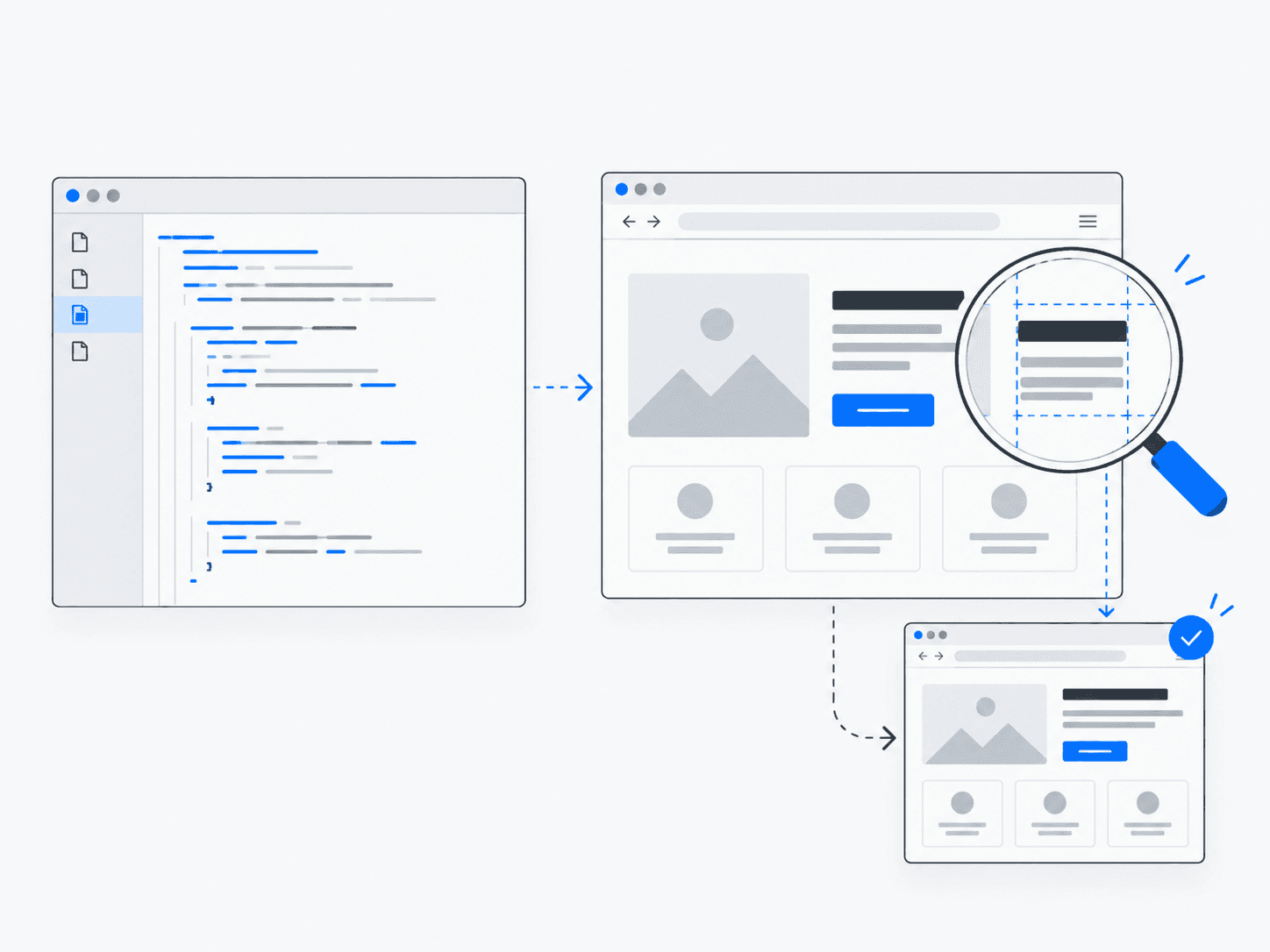
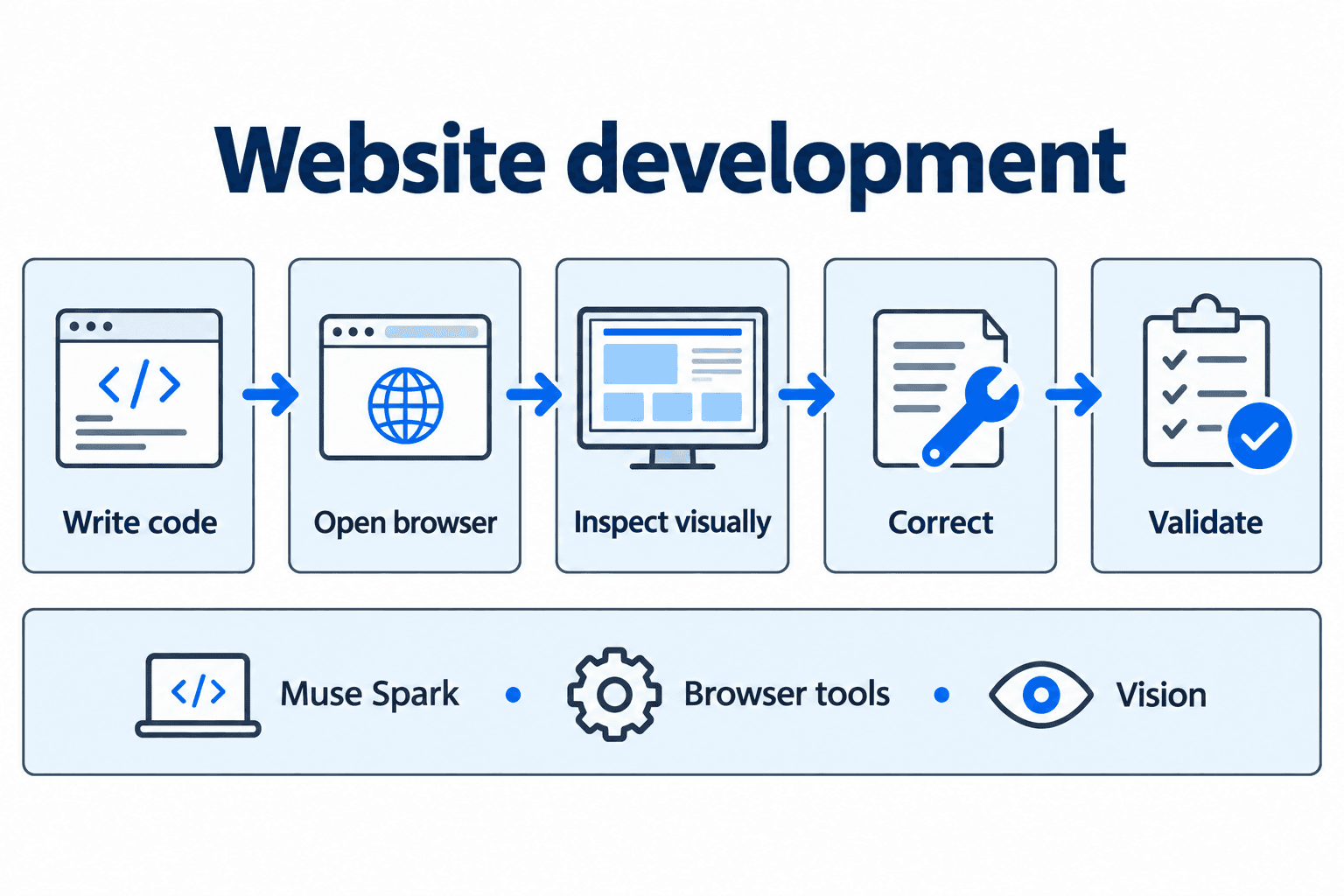
An AI workflow that creates a website, opens it in a browser, inspects the result and makes corrections.
What does it do?
Builds a user interface, launches it in a browser, takes screenshots or visual checks, and iterates until the layout matches the intended result.
Why it’s useful
Closes the gap between generating code and verifying that the running product looks and behaves correctly.
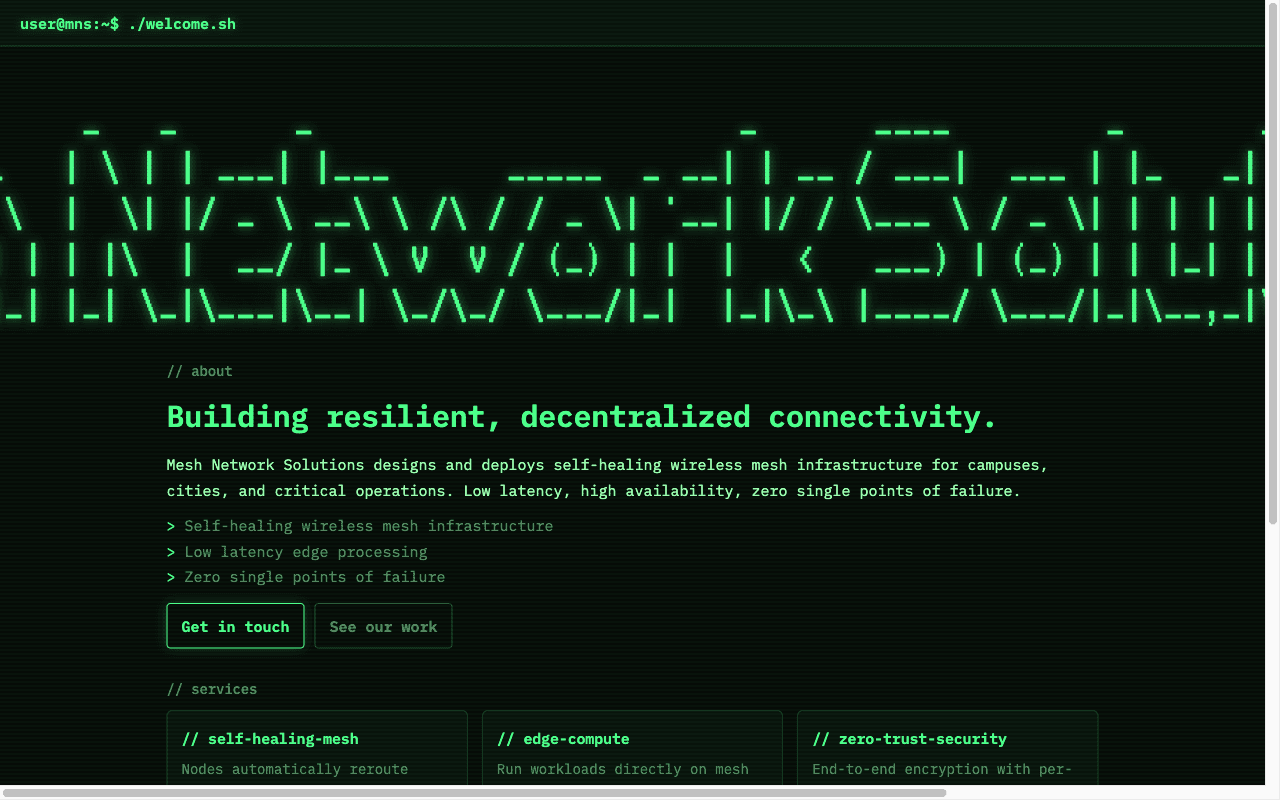
Example in practice
Follow the work
- 1
Receive task
Establish what the page should do, who it serves and which constraints the implementation needs to respect.
- 2
Generate code
Create or update the files that define the interface and its behavior.
- 3
Run application
Start the application so the browser can inspect a running page.
- 4
Inspect result
Look at the rendered layout and try the relevant controls.
- 5
Identify issues
Compare the observed behavior with the request and identify specific discrepancies.
- 6
Make corrections
Change the relevant code to address those discrepancies.
- 7
Validate output
Reopen the result and repeat the relevant checks before handing it over for review.
Architecture and technologies
- Works with
- Muse Spark, Browser tools, Vision
Keep in mind
- Visual checks depend on tooling quality
- Does not replace product design judgment