
GitHub Automation
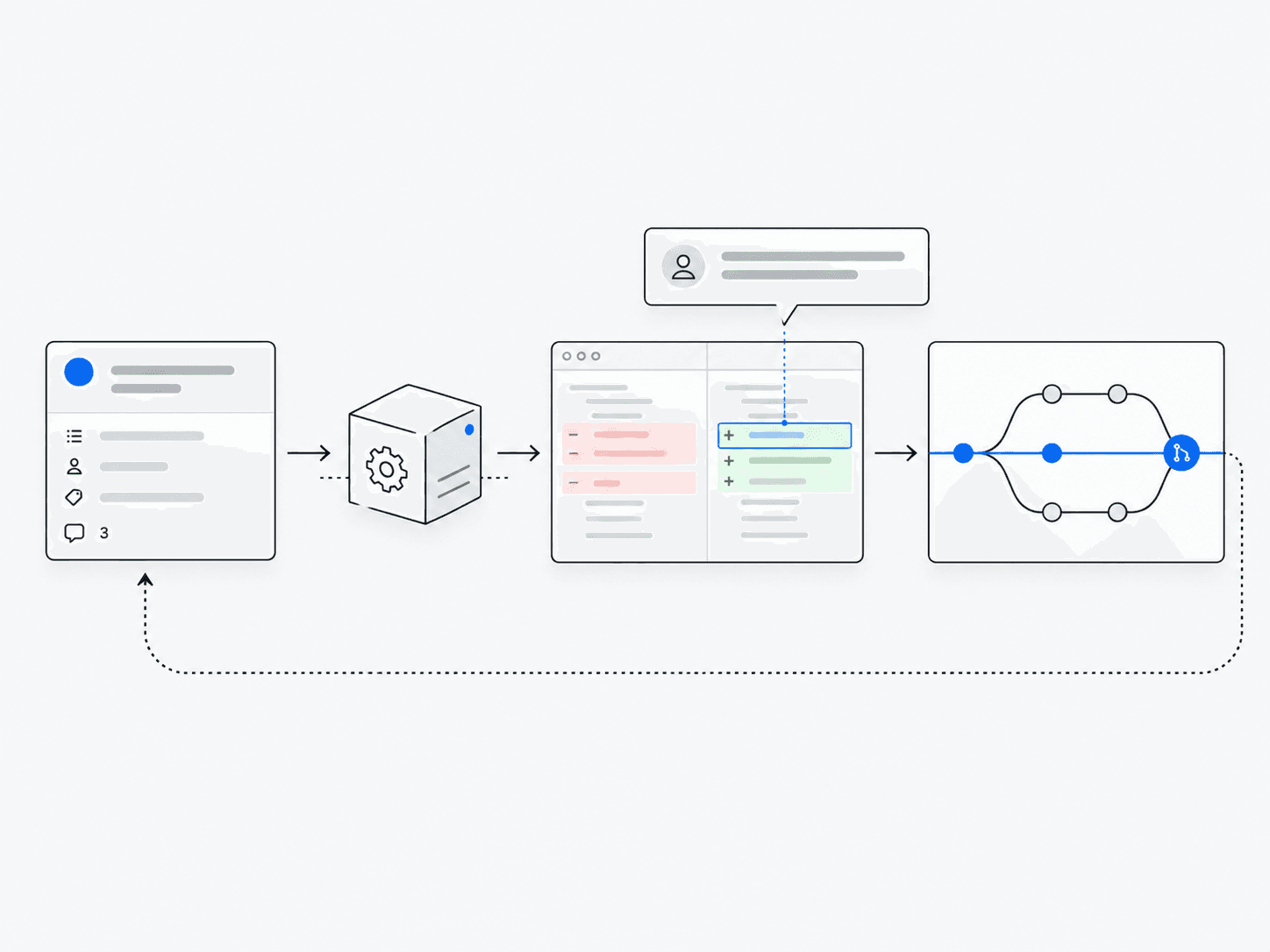
Triages issues, reviews pull requests and proposes fixes.
What does it do?
Responds to repository events by classifying work, reviewing changes and suggesting patches under approval controls.
Why it’s useful
Turns ongoing development operations into a continuous agent workflow.
Follow the work
- 1
Receive event
Read the issue or repository event and identify the relevant project context.
- 2
Triage
Determine what kind of work is required and whether it falls within the allowed scope.
- 3
Review
Inspect the relevant discussion and code before proposing a change.
- 4
Propose fix
Prepare a patch that a maintainer can examine; proposing a fix does not mean merging it.
- 5
Validate
Run the available checks and report their results alongside any remaining uncertainty.
Architecture and technologies
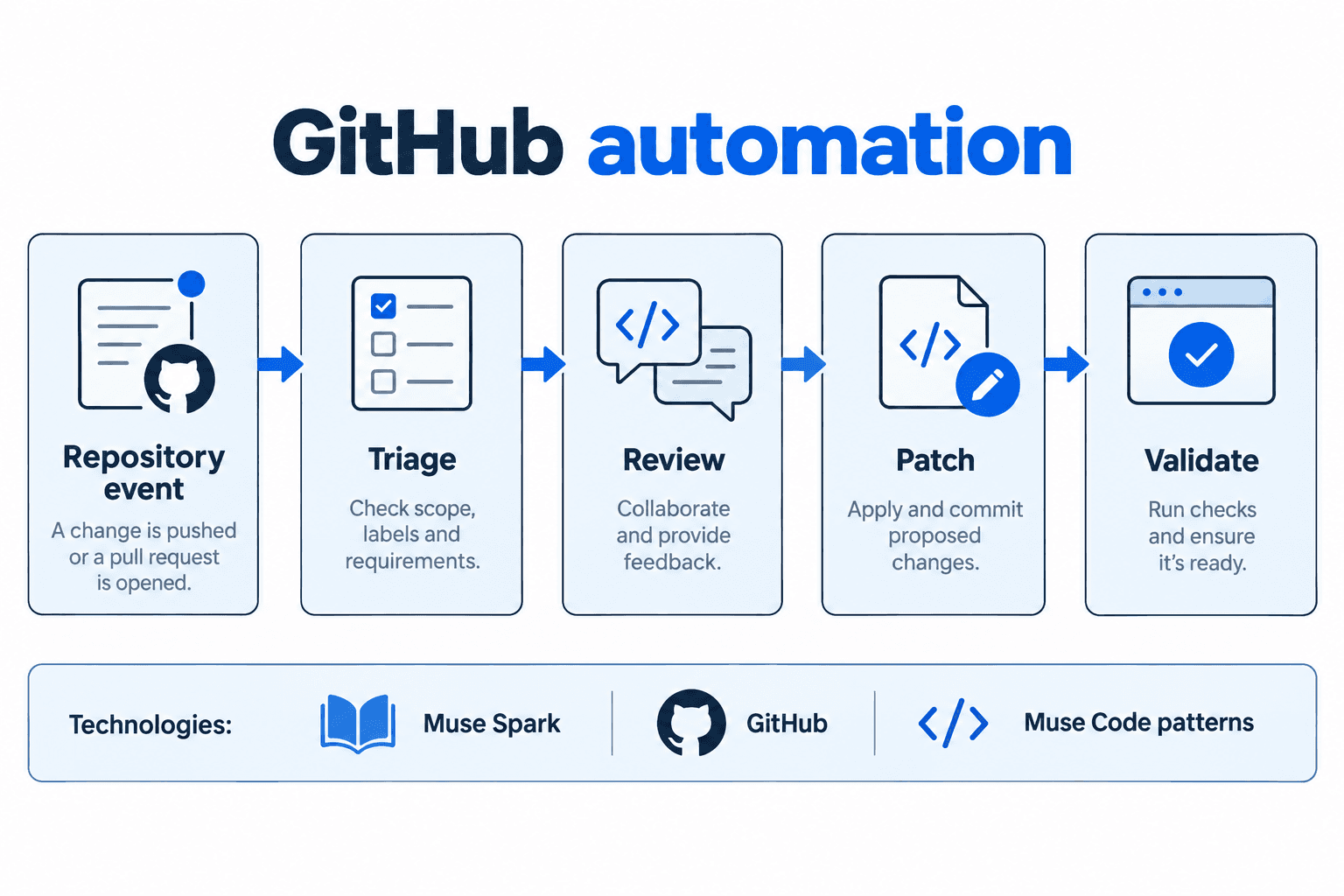
- Works with
- Muse Spark, GitHub, Muse Code patterns
Keep in mind
- Needs tight permission scopes
- Review quality varies by task