
Iterative Game Development
Builds a game, runs it, playtests through a browser and improves based on observed failures.
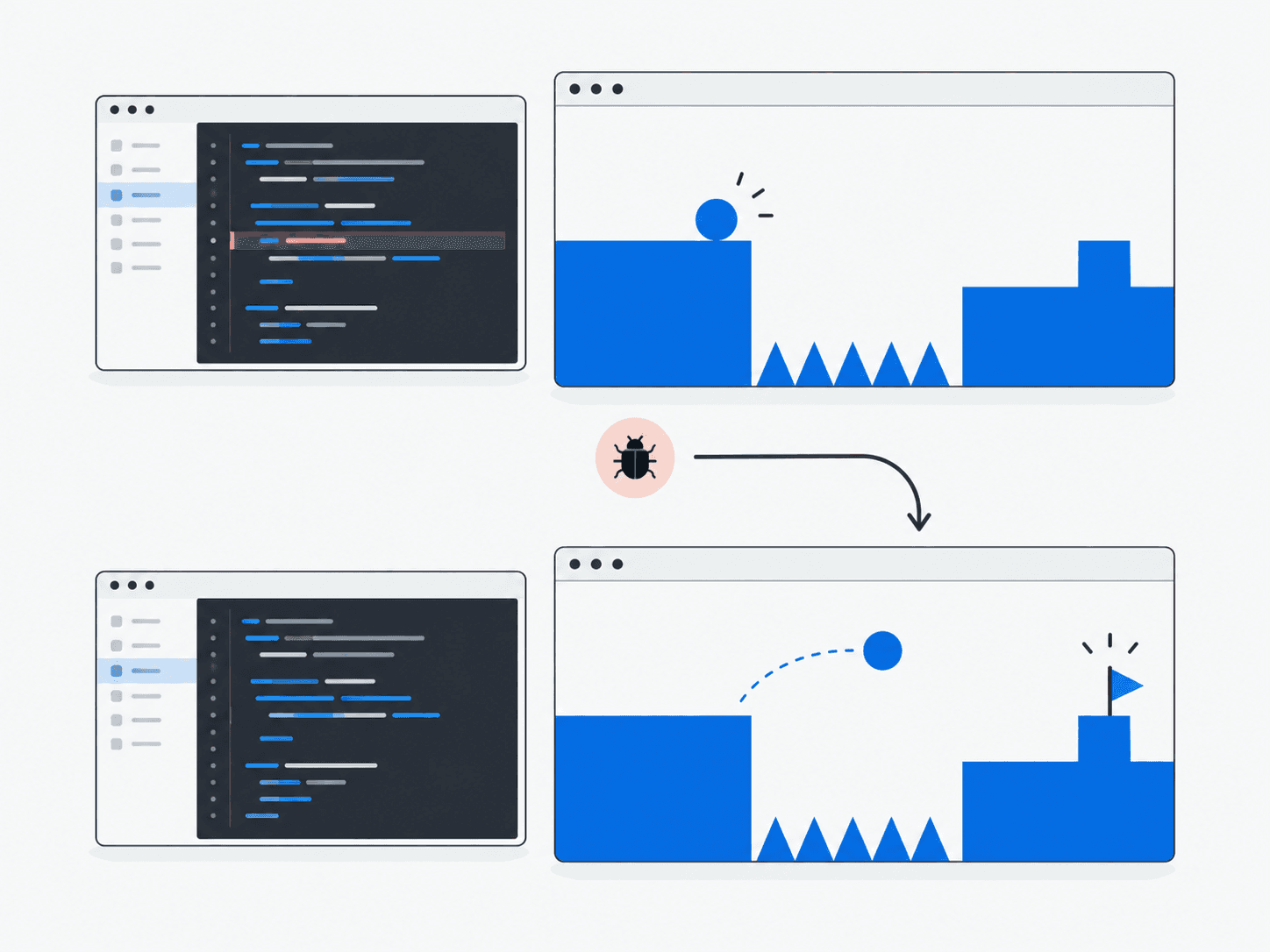
What does it do?
Creates game code, launches it, interacts with the running game, detects problems and patches them in a loop.
Why it’s useful
Treats the running product as ground truth rather than stopping at generated source files.
Example in practice
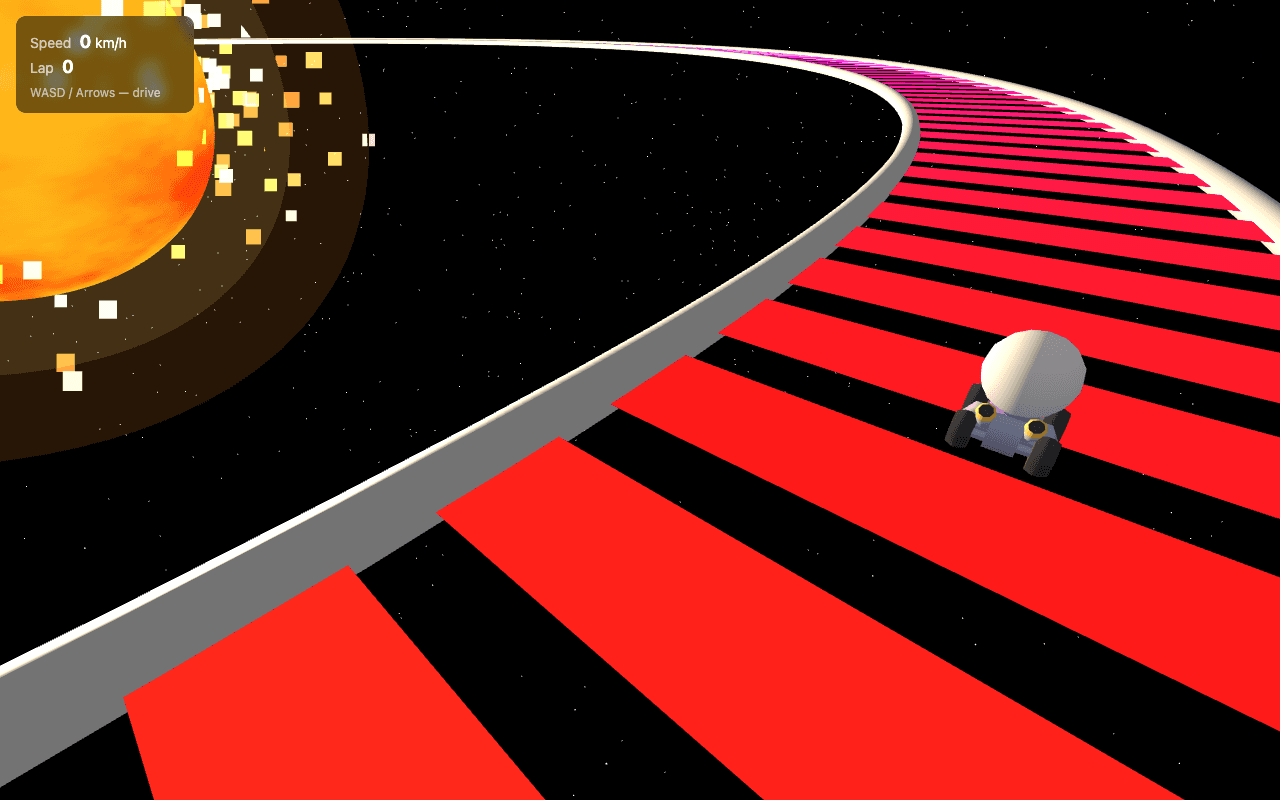
Follow the work
- 1
Receive task
Define the intended mechanics, controls and a playable outcome.
- 2
Generate game code
Implement the initial game scene, input handling and rules.
- 3
Launch in browser
Open the running game so its behavior can be observed.
- 4
Playtest
Use the controls and attempt the intended gameplay sequence.
- 5
Detect failures
Identify where movement, rules or rendering differ from the intended experience.
- 6
Patch
Make a focused correction to the behavior that failed.
- 7
Rerun
Play through the affected sequence again; a successful launch alone does not establish game quality.
Architecture and technologies
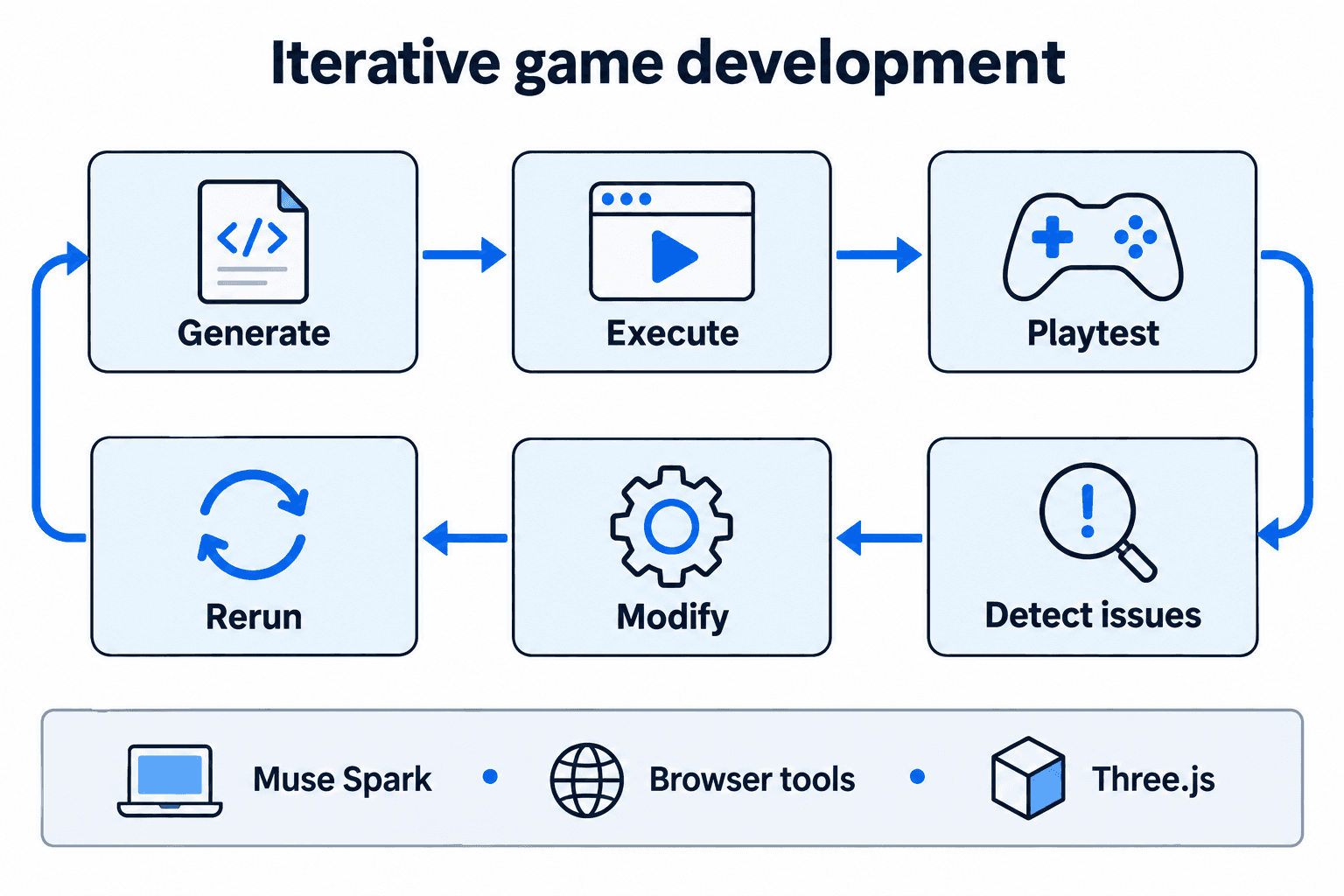
- Works with
- Muse Spark, Browser tools, Three.js
Keep in mind
- Long loops can be costly
- Game quality still needs human taste