
Computer Use on Linux
Operates a Linux desktop from screenshots and interface actions.
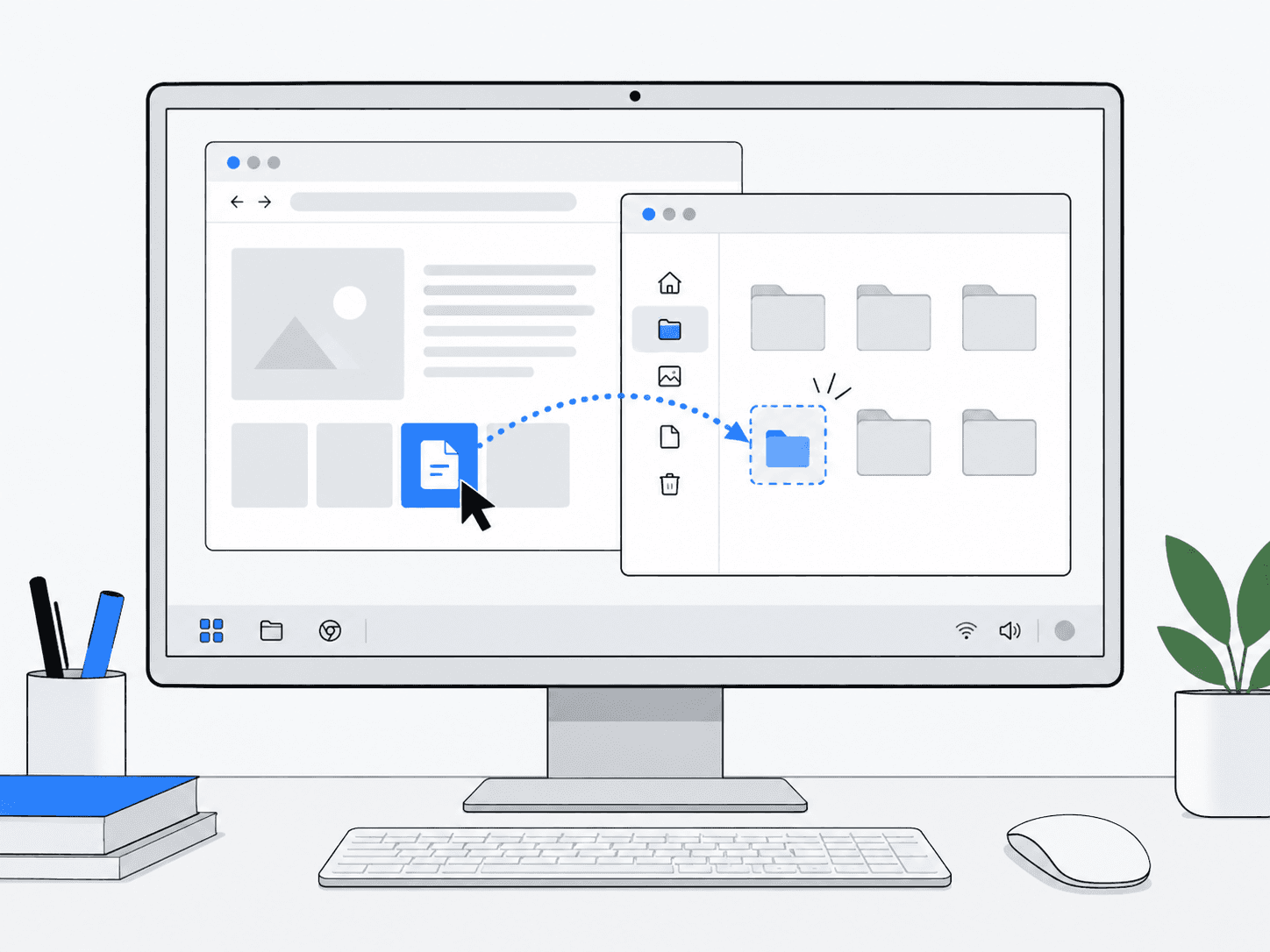
What does it do?
Observes the graphical interface, plans actions such as clicks and typing, then verifies the result.
Why it’s useful
Extends agents beyond APIs into real graphical software.
Example in practice
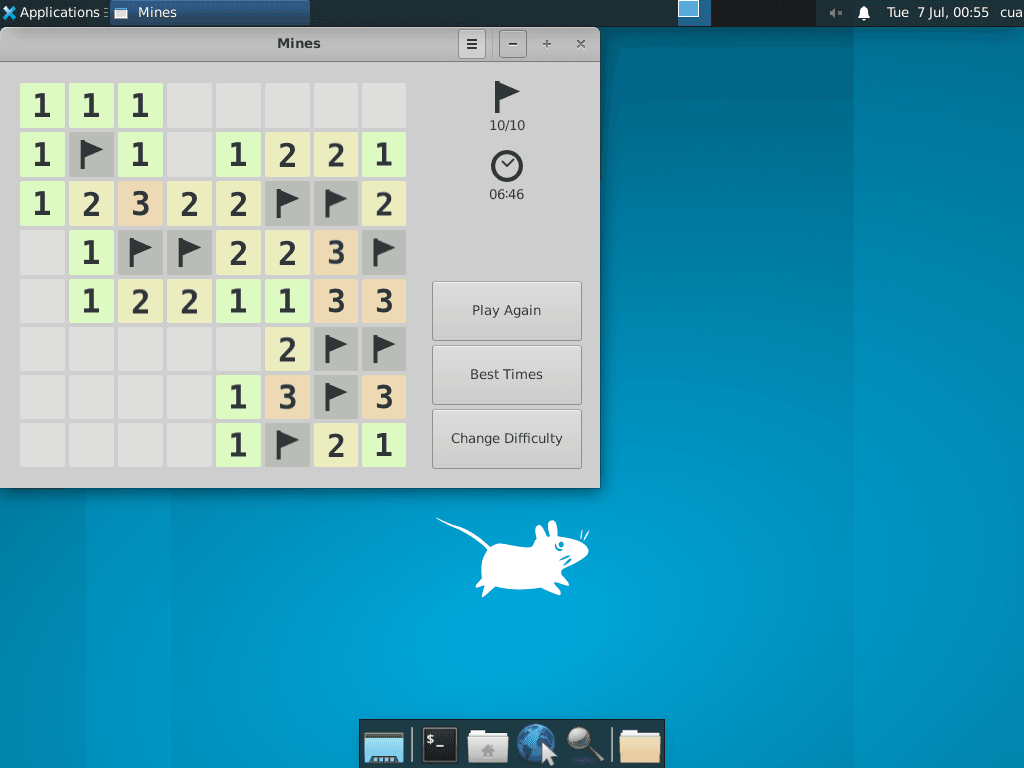
Follow the work
- 1
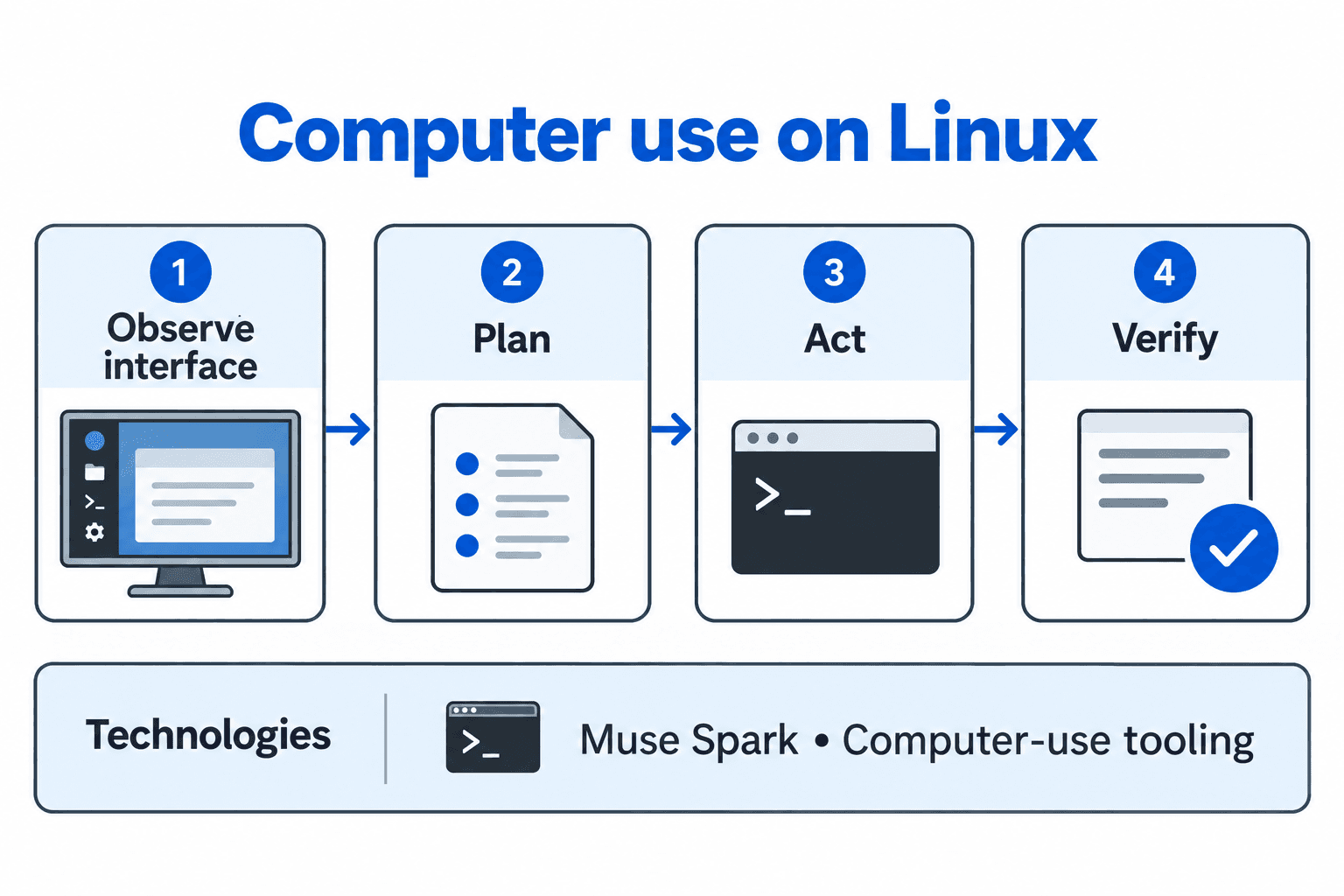
Observe
Read the current screenshot and identify the application’s visible state.
- 2
Plan
Choose the next permitted action that moves toward the requested result.
- 3
Act
Use the interface through a click, keystroke or other supported input.
- 4
Verify
Observe the resulting screen and check that the intended change occurred before continuing.
Architecture and technologies
- Works with
- Muse Spark, Computer-use tooling
Keep in mind
- Interface changes can break workflows
- On-screen content can contain hostile instructions