Skip to content
Muse Atlas
All use cases

Work with voice

Turn speech into structured input for agents and applications.

Concept: work with voice

What this is useful for

Illustrative tasks you could bring to Muse. The tools and access you provide determine what can be completed.

1

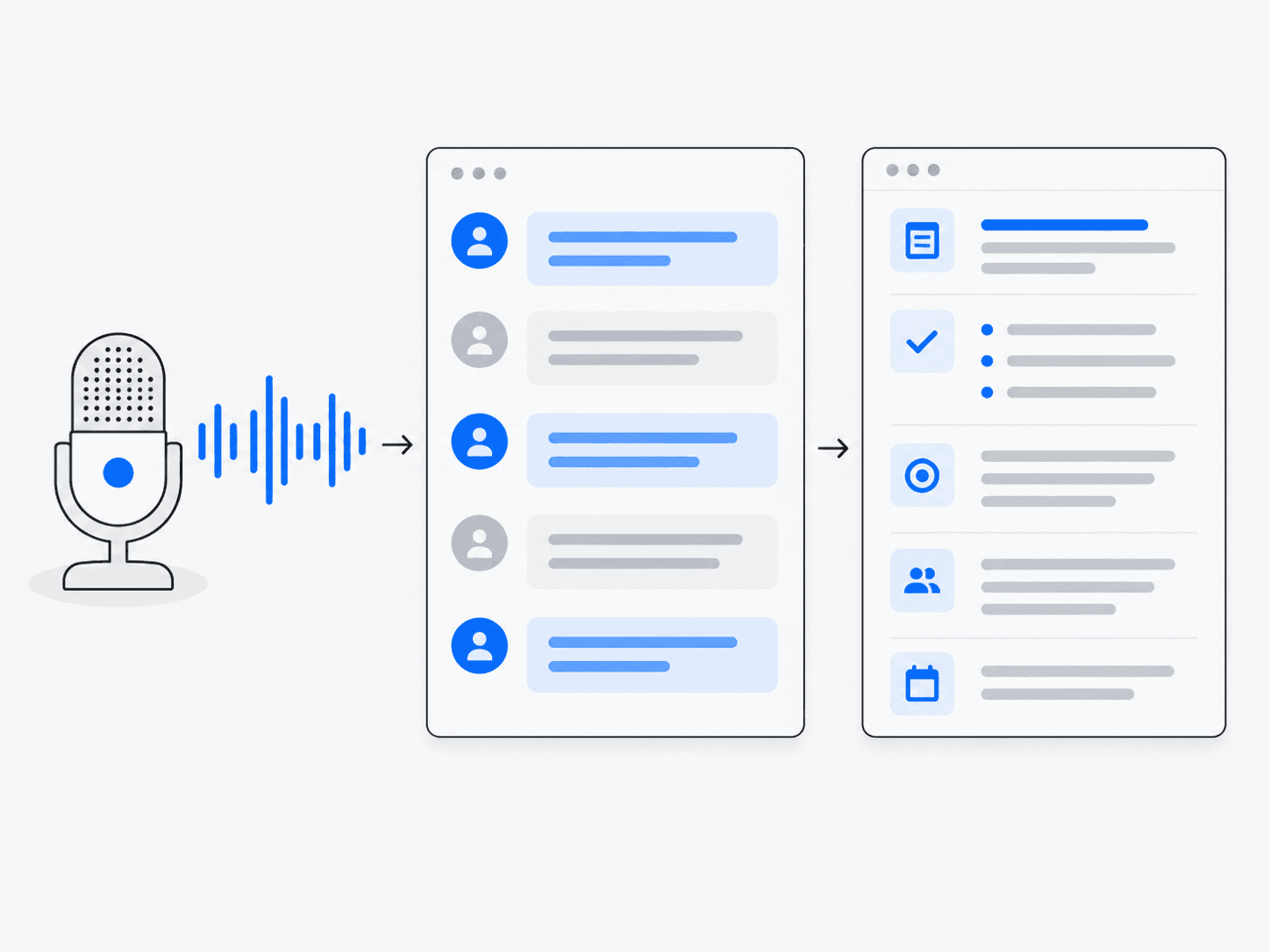
Turn a meeting into searchable notes

“Transcribe this recording and help organize the discussion.”
  1. Provide the recording
  2. Transcribe speech
  3. Separate speakers where possible
  4. Review and organize the transcript

What you getText you can search and use to draft meeting notes.
2

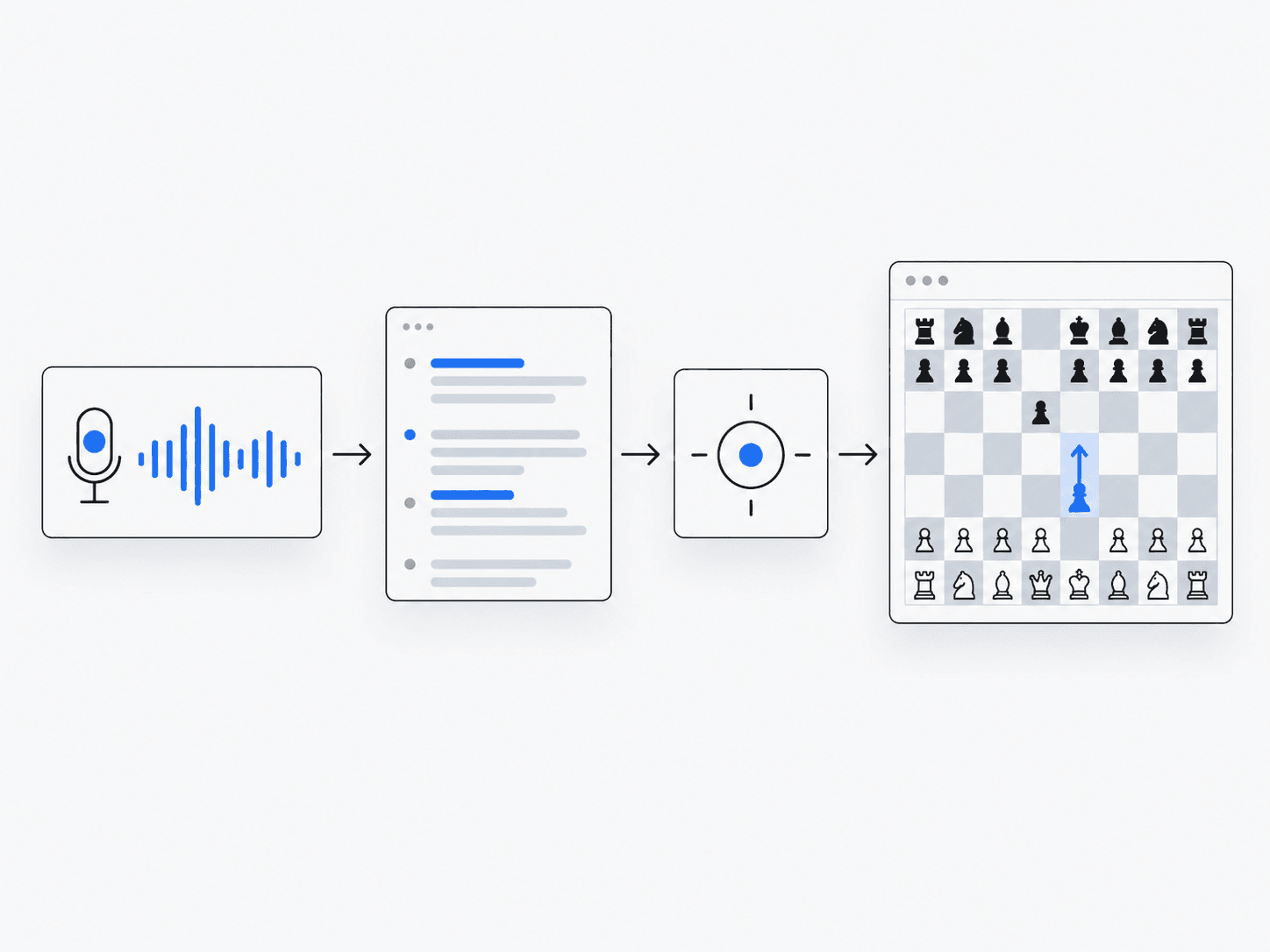
Add spoken commands to an app

“Let a user say which item to open.”
  1. Capture speech
  2. Convert it to text
  3. Interpret the intended action
  4. Confirm and execute in the app

What you getA voice-input workflow with explicit application controls.

3

Caption a live conversation

“Show spoken words as text while someone talks.”
  1. Stream permitted audio
  2. Detect speech turns
  3. Display transcript updates
  4. Handle corrections

What you getLive text, with accuracy dependent on audio conditions.

How the work happens

  1. 1Audio
  2. 2Transcript
  3. 3Interpretation
  4. 4Application

What Muse can do

  • Stream speech to text
  • Attribute speakers
  • Detect turns
  • Drive application actions from speech

Which Muse products are involved?

See it in practice

What to keep in mind

  • Muse Voice Transcribe is speech-to-text, not speech generation.
  • Noise, overlapping speakers and unusual names can reduce accuracy.
  • Obtain appropriate consent before recording or processing other people’s speech.