
1
Collect information from a website
“Put the details on these pages into a table.”
- Open the pages
- Locate the relevant fields
- Collect the values
- Compare the table with the source
What you getA table you can check against the original pages.
See what’s on screen, navigate software and complete tasks with your approval when needed.

Illustrative tasks you could bring to Muse. The tools and access you provide determine what can be completed.
“Put the details on these pages into a table.”
What you getA table you can check against the original pages.
“Fill in this form using my notes, then let me review it.”
What you getA prepared form with the final decision left to you.
“Sort these documents into the right project folders.”
What you getAn organized workspace and a record of changes.

An AI workflow that creates a website, opens it in a browser, inspects the result and makes corrections.
View example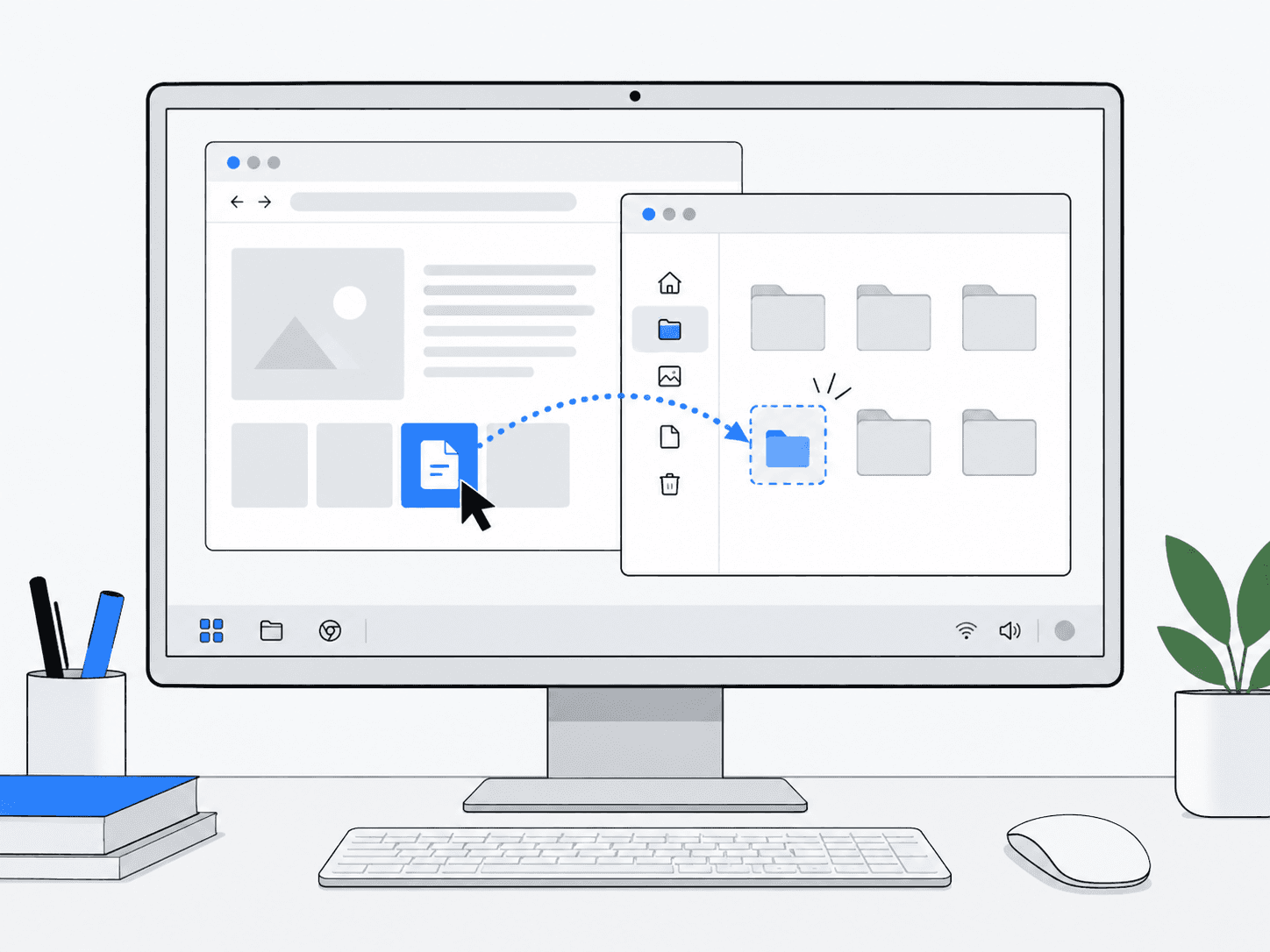
Operates a Linux desktop from screenshots and interface actions.
View example