Skip to content
Muse Atlas
All use cases

Organize work

Use Muse’s business skills and connected tools to prepare campaigns, review business information and organize work under approval controls.

Concept: organize work

What this is useful for

Illustrative tasks you could bring to Muse. The tools and access you provide determine what can be completed.

1

Prepare a business campaign

“Review my connected store and social account performance, then draft next week’s campaign.”
  1. Authorize the relevant business connectors
  2. Review permitted sales and campaign information
  3. Draft content and a proposed plan
  4. Ask for approval before publishing or spending

What you getA campaign draft to review, based on available connected information.

2

Prepare a meeting

“Bring together the agenda and relevant project documents.”
  1. Find the meeting context
  2. Collect permitted documents
  3. Identify open questions
  4. Prepare a briefing

What you getA meeting brief you can correct and share.

3

Monitor a recurring task

“Check this source regularly and tell me when it changes.”
  1. Define the condition
  2. Set up permitted checks
  3. Compare new information
  4. Notify when the condition is met

What you getA notification workflow supported by the surrounding software.

How the work happens

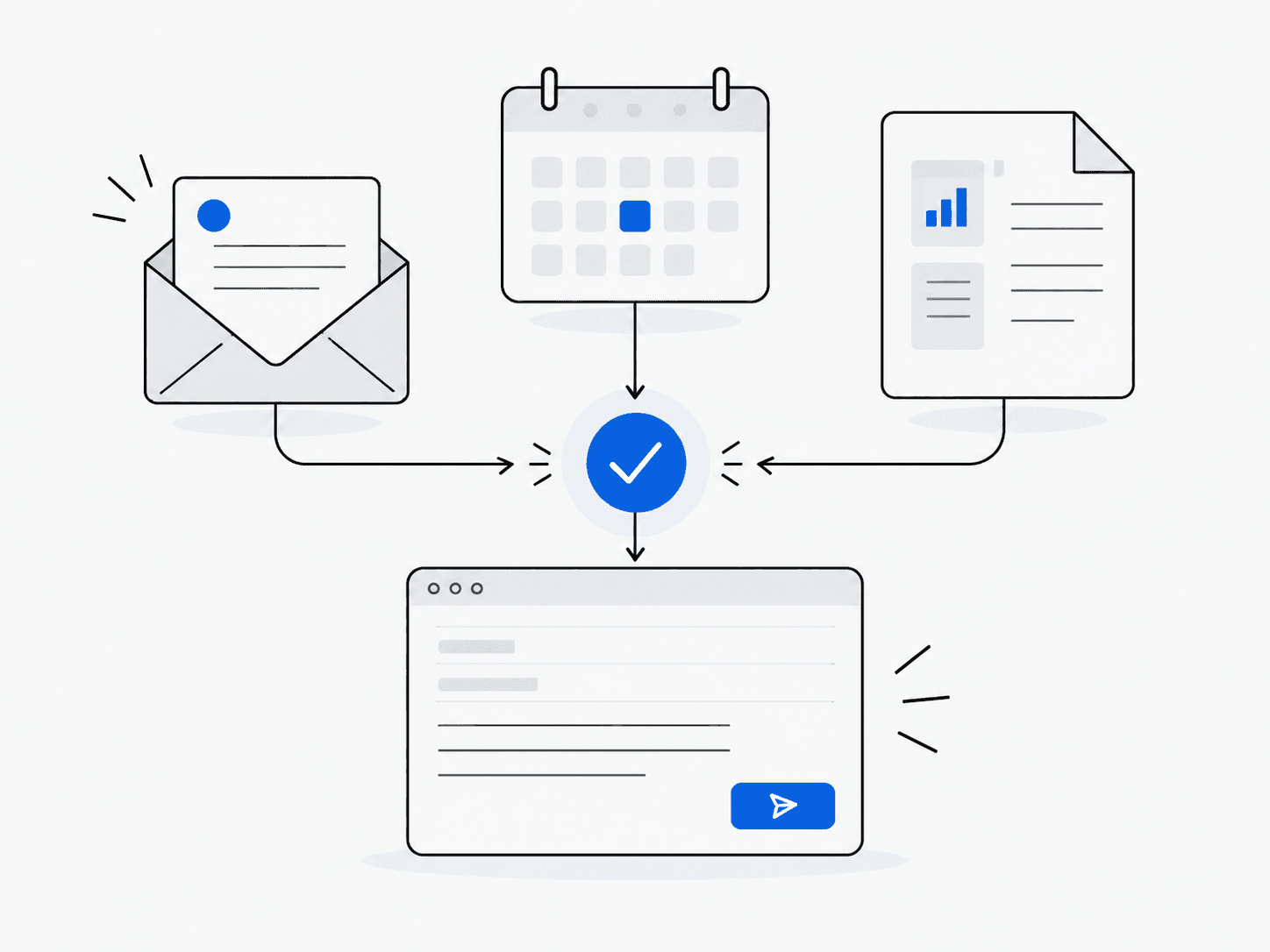
  1. 1Goal
  2. 2Connected information
  3. 3Prepare
  4. 4Approval
  5. 5Action

What Muse can do

  • Work with authorized business accounts and connectors such as Shopify, Canva and QuickBooks
  • Draft and prepare actions
  • Request permission before sending or purchasing
  • Continue tasks in the background

Which Muse products are involved?

See it in practice

The example below is a developer workflow in Muse Code, not a demonstration of consumer Muse reminders. It requires a running Code session; its scheduling limits are explained on the example page.

What to keep in mind

  • Connected services must be configured and authorized.
  • Background work depends on scheduling and the surrounding software.
  • Review outgoing messages and changes to shared information.