Skip to content
Muse Atlas
All use cases

Research information

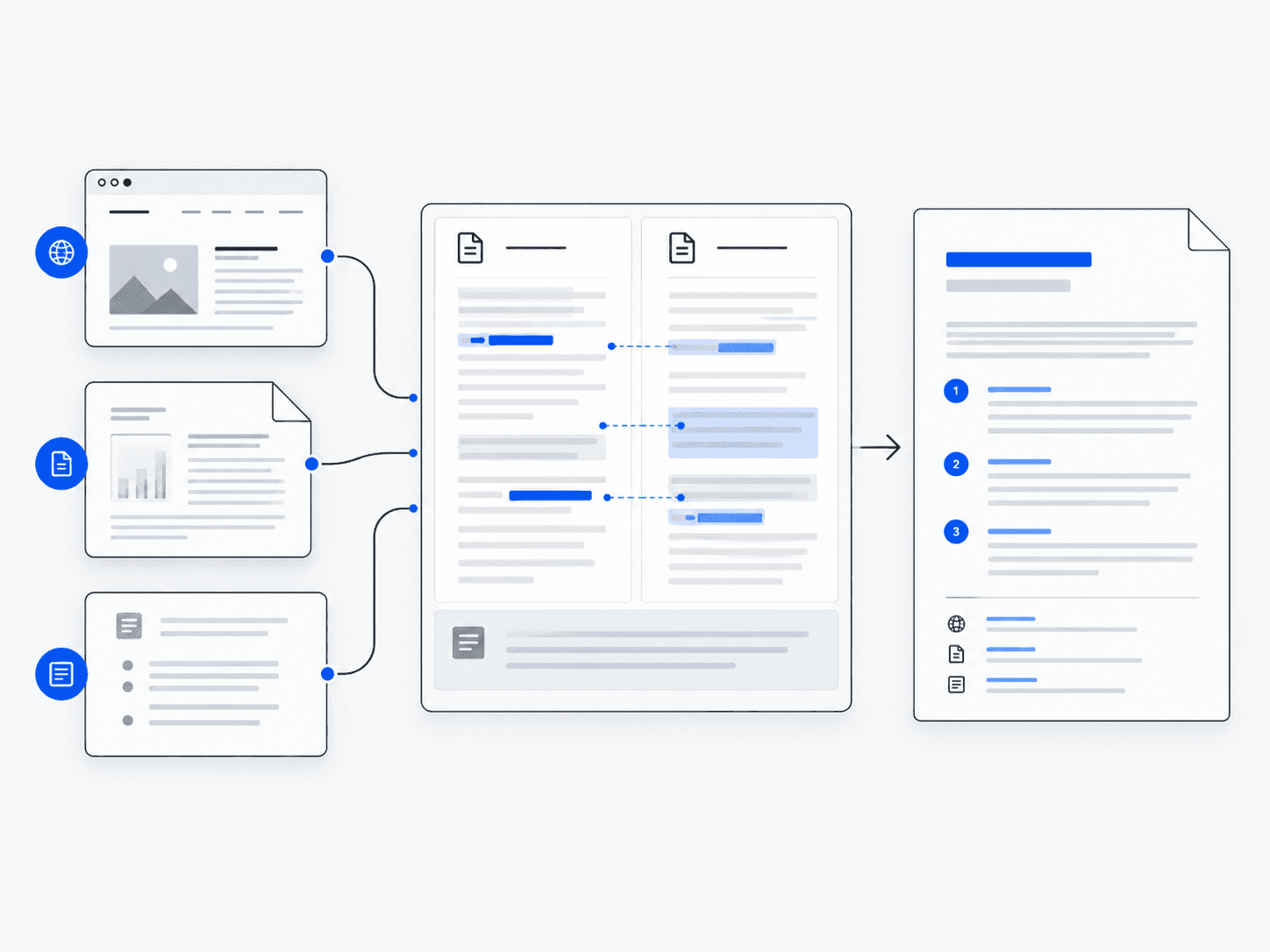
Search across sources, compare what they say and turn the findings into a clear report.

Concept: research information

What this is useful for

Illustrative tasks you could bring to Muse. The tools and access you provide determine what can be completed.

1

Compare three products before buying

“Compare these three products against my requirements.”
  1. Find current information
  2. Compare relevant specifications
  3. Reconcile differences between sources
  4. Build a structured comparison

What you getA comparison with source links and unresolved questions.

2

Understand a long report

“Explain the key claims in this report and what supports them.”
  1. Read the document
  2. Identify key sections
  3. Summarize claims and evidence
  4. Answer follow-up questions

What you getA concise briefing with references to the report.

3

Research a technical question

“What evidence supports these competing approaches?”
  1. Search primary sources
  2. Gather evidence
  3. Compare conflicting claims
  4. Produce a sourced answer

What you getAn explanation that separates evidence, inference and uncertainty.

How the work happens

  1. 1Question
  2. 2Sources
  3. 3Compare
  4. 4Synthesize
  5. 5Report

What Muse can do

  • Search the web and documents
  • Compare conflicting sources
  • Summarize long material
  • Produce structured reports

Which Muse products are involved?

Explore this workflow

This guide does not yet include a dedicated implementation of this workflow. The scenarios above illustrate how you could approach it.

What to keep in mind

  • Sources can be outdated, incomplete or wrong; check dates and primary evidence.
  • A citation is not proof that the linked page supports the claim.
  • Private, paywalled or inaccessible material may require you to provide documents.