Skip to content
Muse Atlas
All use cases

Run AI locally

Process selected files on your own hardware with Muse Glimmer and locally configured tools.
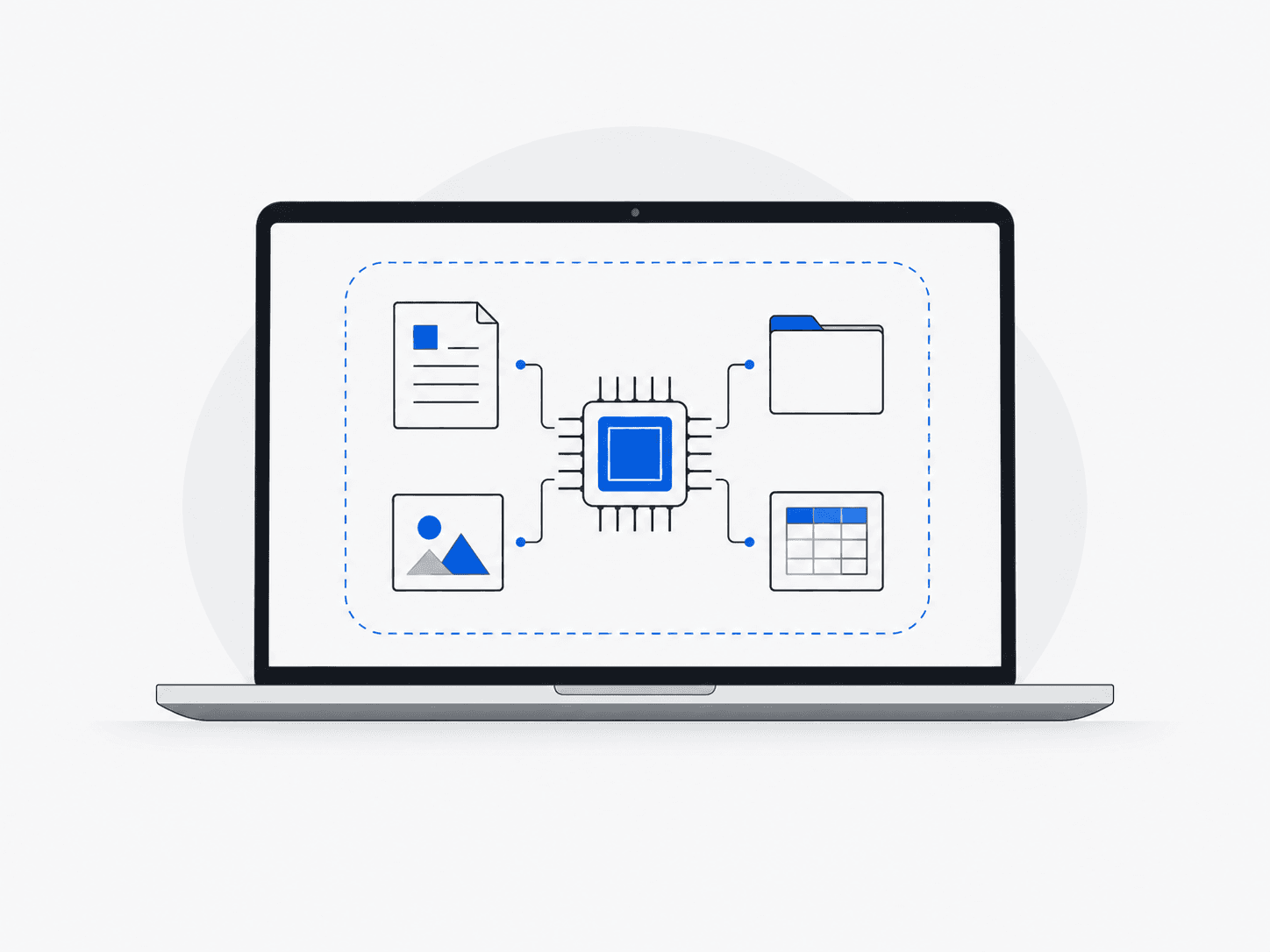
Concept: run ai locally

What this is useful for

Illustrative tasks you could bring to Muse. The tools and access you provide determine what can be completed.

1

Review private code

“Review this repository using a local model.”
  1. Load the model locally
  2. Read permitted source files
  3. Inspect changes
  4. Write a local review

What you getReview notes produced in your own environment.

2

Ask questions about local documents

“Find the explanation in this folder of notes.”
  1. Select the documents
  2. Retrieve relevant passages
  3. Compare their contents
  4. Answer with local references

What you getAn answer grounded in files you selected.

3

Try an offline tool workflow

“Summarize these files without calling an external service.”
  1. Check runtime and model availability
  2. Disable external dependencies
  3. Run local tools
  4. Inspect the output

What you getA local result, subject to your runtime and network configuration.
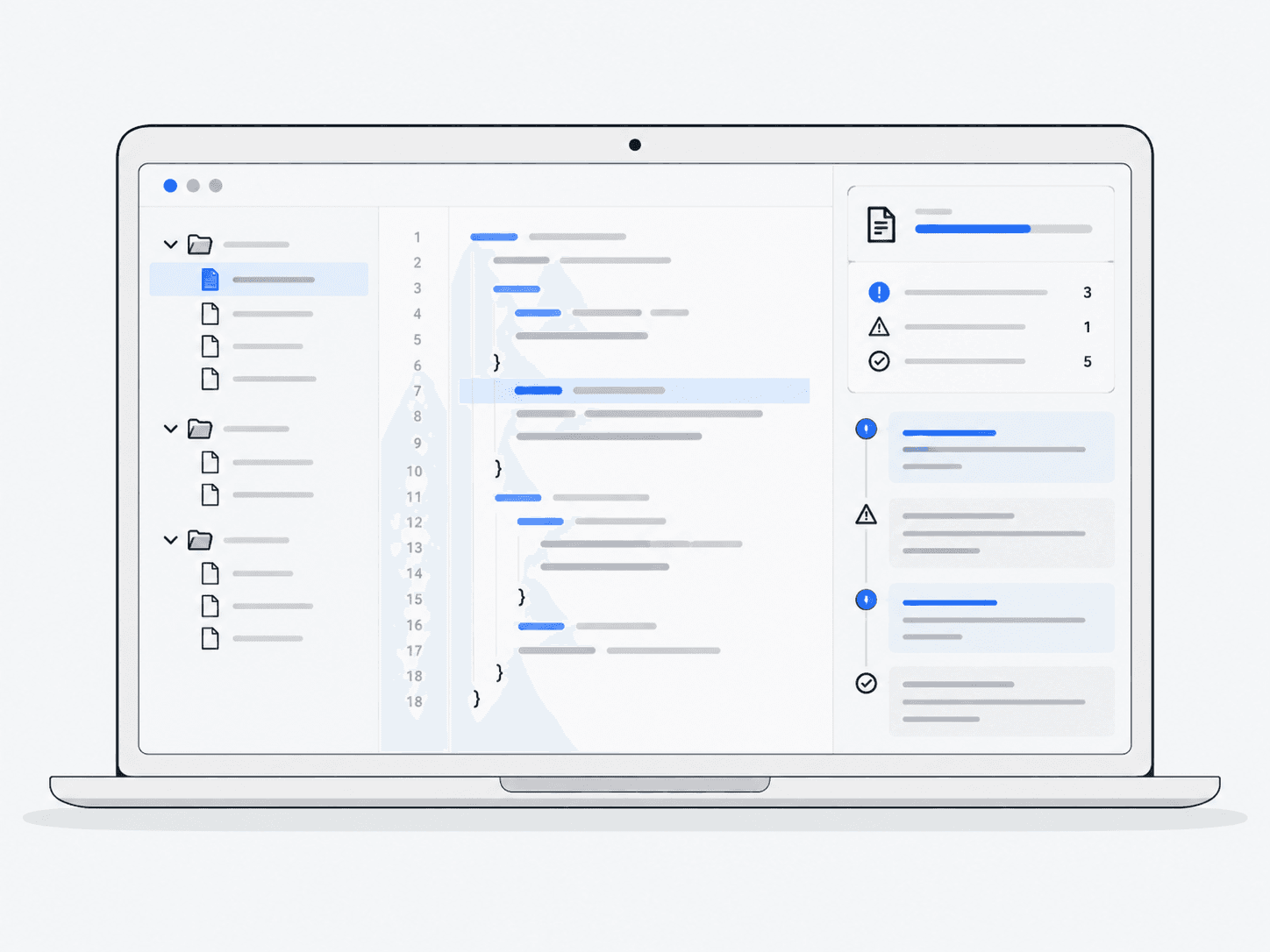
How the work happens

  1. 1Your hardware
  2. 2Glimmer
  3. 3Local tools
  4. 4Local result

What Muse can do

  • Run models locally
  • Call local tools and files
  • Reduce continuous API dependence
  • Support offline-capable workflows

Which Muse products are involved?

See it in practice

What to keep in mind

  • You need suitable hardware, model files and a runtime—the software that runs the model.
  • Running the model locally (local inference) does not prevent tools from accessing the network.
  • You manage updates, access controls and the quality of the output.