Skip to content
Muse Atlas
All use cases

Create and edit images

Create images, make edits and refine a visual idea.

Concept: create and edit images

What this is useful for

Illustrative tasks you could bring to Muse. The tools and access you provide determine what can be completed.

1

Explore a visual direction

“Create several visual treatments for this idea.”
  1. Describe the subject and style
  2. Generate candidates
  3. Compare the results
  4. Choose a direction to refine

What you getA set of concepts to evaluate, not a finished design system.

2

Refine an existing image

“Adjust the composition while keeping the main subject.”
  1. Provide the image
  2. Describe the intended edit
  3. Inspect changed areas
  4. Refine unwanted differences

What you getAn edited image that still needs visual review.

3

Create related assets

“Make a consistent set of illustrations for these topics.”
  1. Define a shared visual specification
  2. Write distinct subject prompts
  3. Generate each asset
  4. Review consistency across the set

What you getA coherent candidate library for an application or campaign.

How the work happens

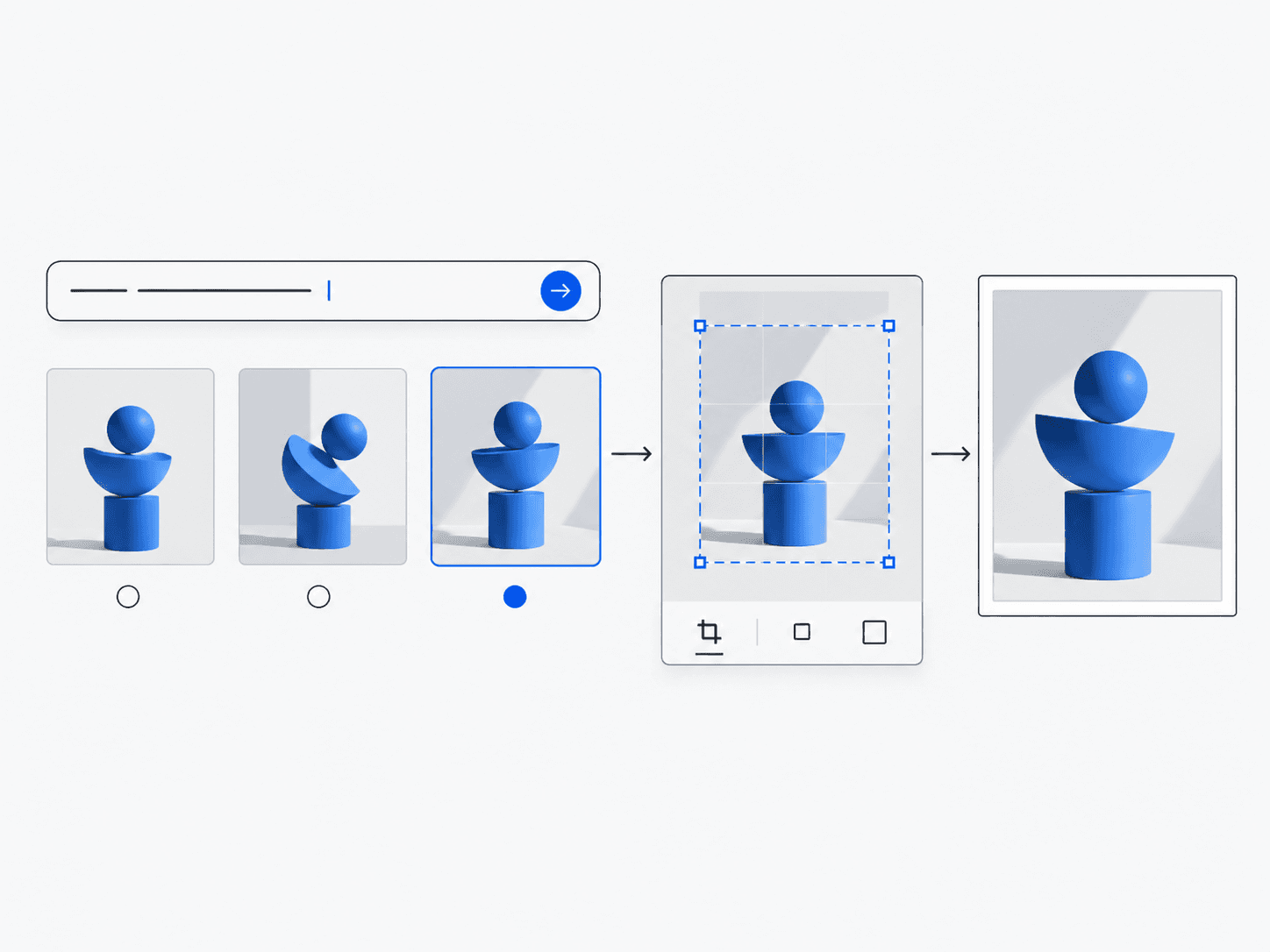
  1. 1Brief
  2. 2Generate
  3. 3Inspect
  4. 4Edit
  5. 5Final image

What Muse can do

  • Generate images from text
  • Edit existing images
  • Refine results across turns

Which Muse products are involved?

Explore this workflow

This guide does not yet include a dedicated implementation of this workflow. The scenarios above illustrate how you could approach it.

What to keep in mind

  • Text, geometry and continuity can require multiple revisions.
  • Generated images need human review for factual and visual accuracy.
  • Check applicable terms and permissions for input and output use.